
ApiCatcher 部落格:API擷取與偵錯教程
探索使用 ApiCatcher 進行 API擷取與匯出、API偵錯。
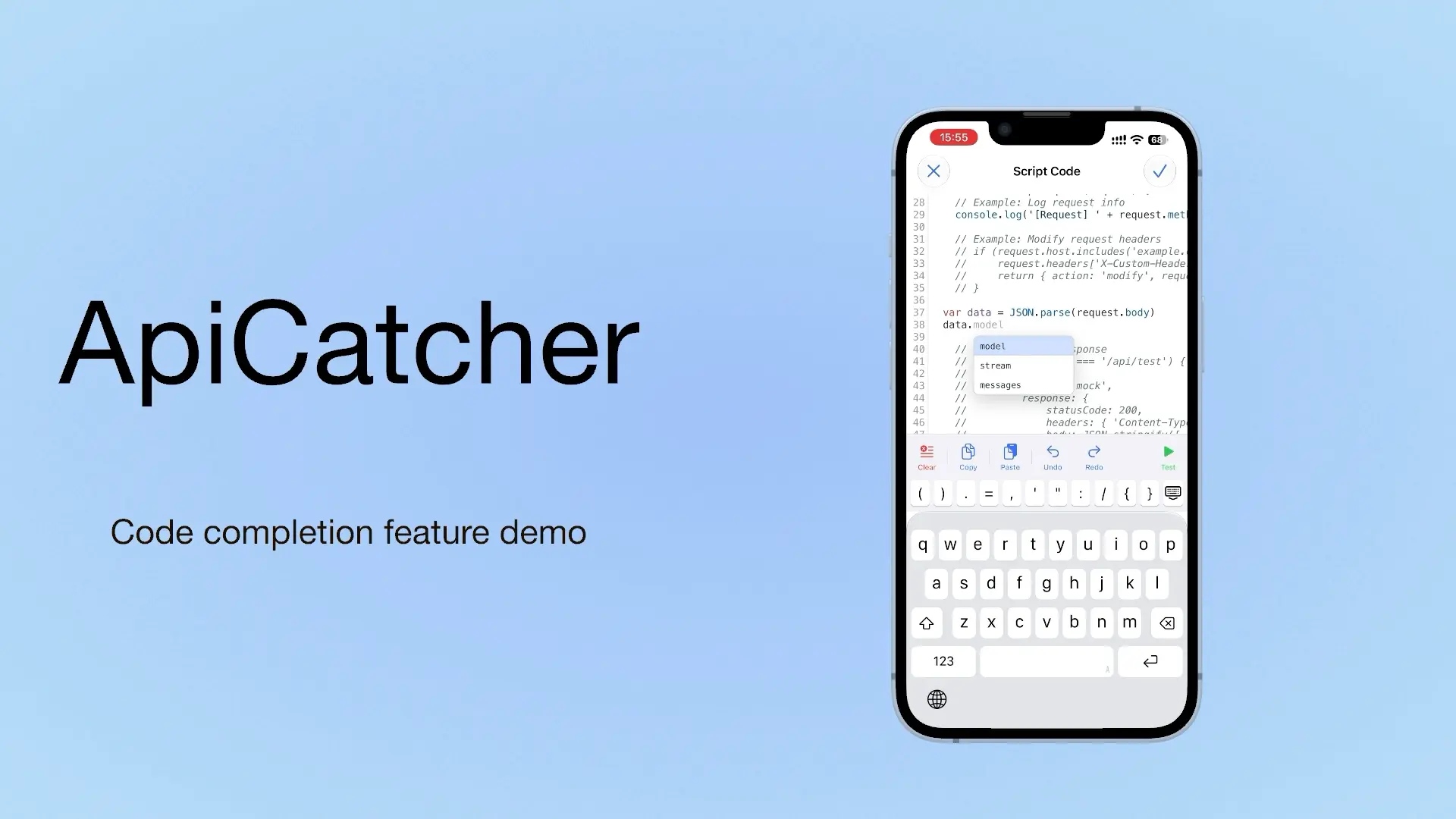
ApiCatcher: an HTTP Capture and Debugging Tool with Code Completion as You Write Script Code
If we can offer a choice, we offer a choice. If we can offer a completion hint, we offer a completion hint. If we can offer a template, we offer a template. Code completion is on iOS only for now. Update to 4.4 to use it.
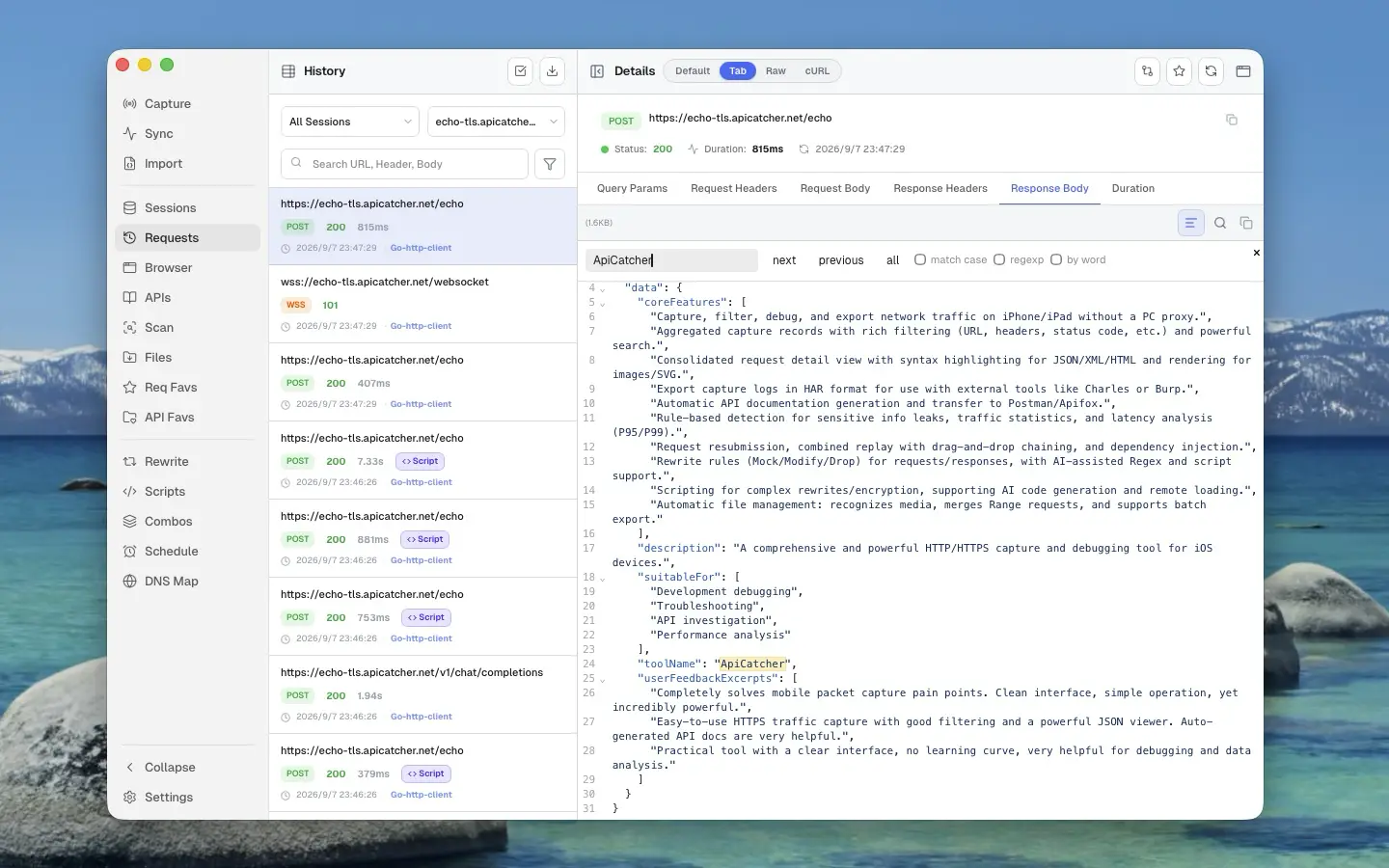
HTTP/HTTPS 抓包與調試工具:Charles Proxy、Proxyman 與 ApiCatcher
把 Charles Proxy、Proxyman 和 ApiCatcher 放在一起看:支援哪些平台、手機抓包還要不要靠電腦,以及中斷點、重寫、重放差在哪。
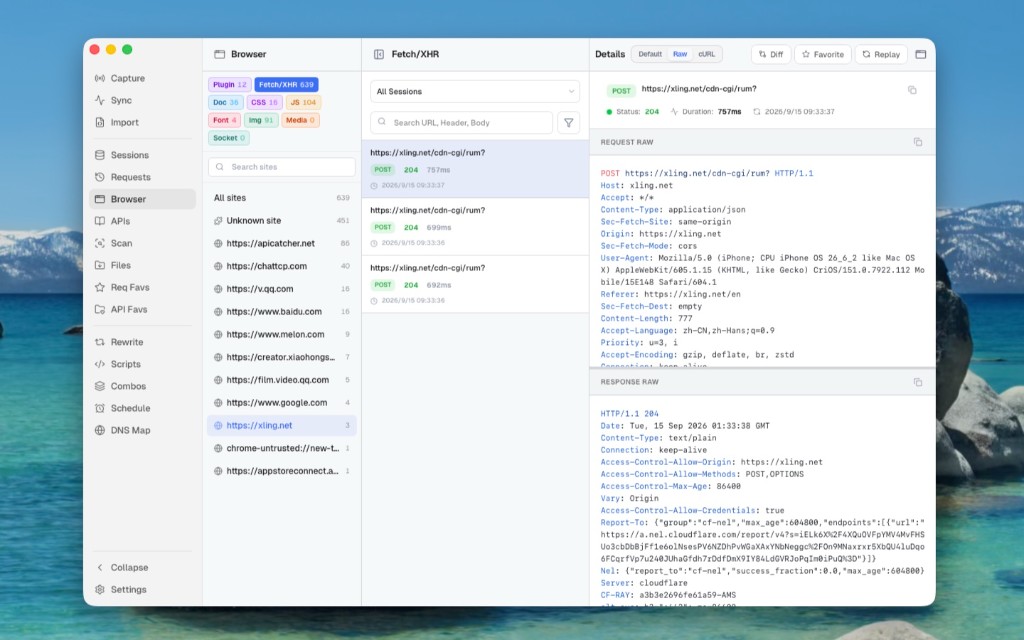
Use ApiCatcher Instead of the Browser’s Network Panel, Same Experience, but Those Requests the Network Panel Can’t See Are All Visible
The Network panel is awkward for login APIs and extension background requests, and a refresh clears the history. Desktop Browser view can show those requests Chrome does not keep.
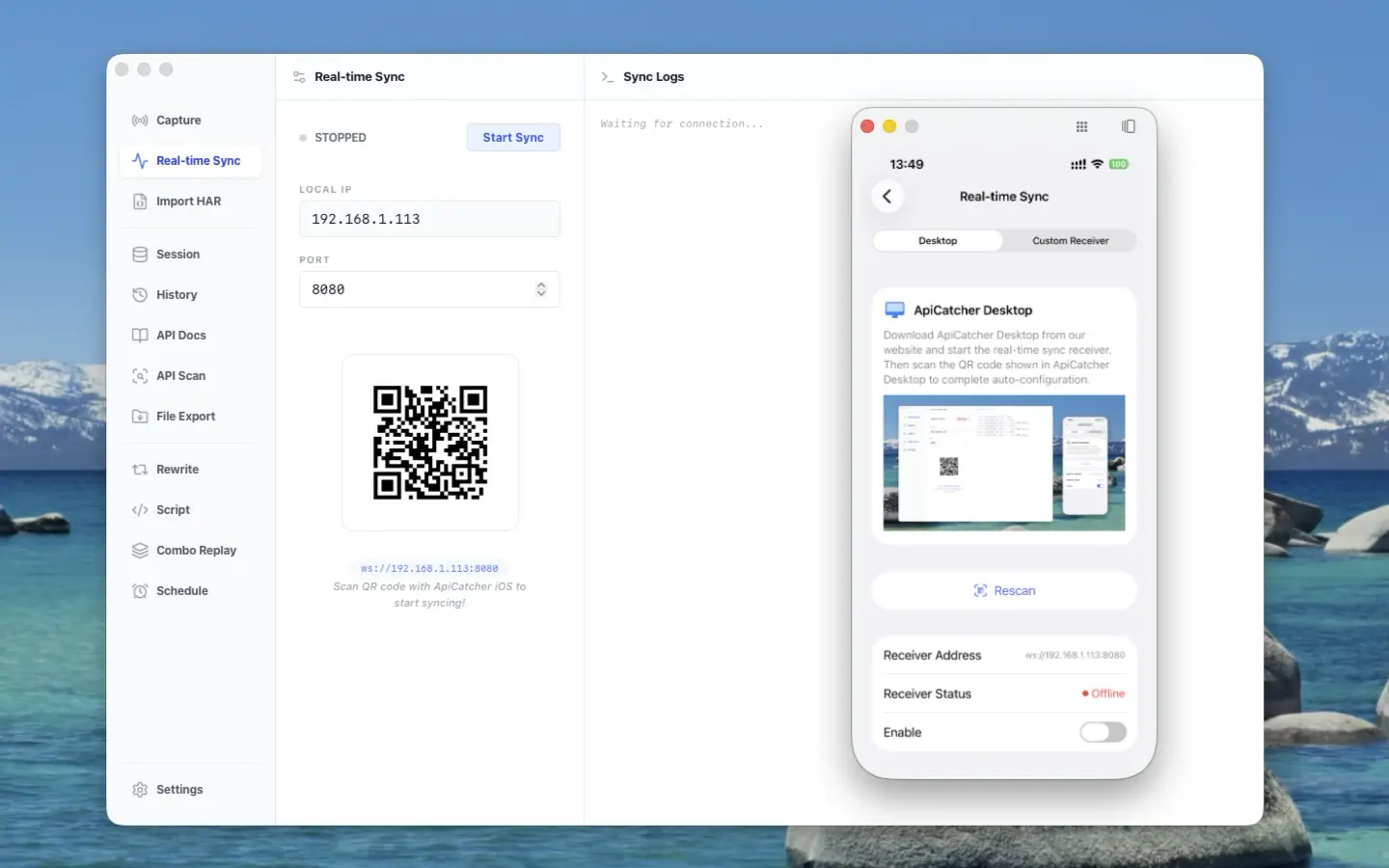
ApiCatcher opens its real-time sync protocol — stream HTTP traffic from iOS / Android to your receiver
ApiCatcher opens its real-time sync protocol: stream HTTP traffic captured on iOS and Android to your receiver, without exporting HAR by hand.
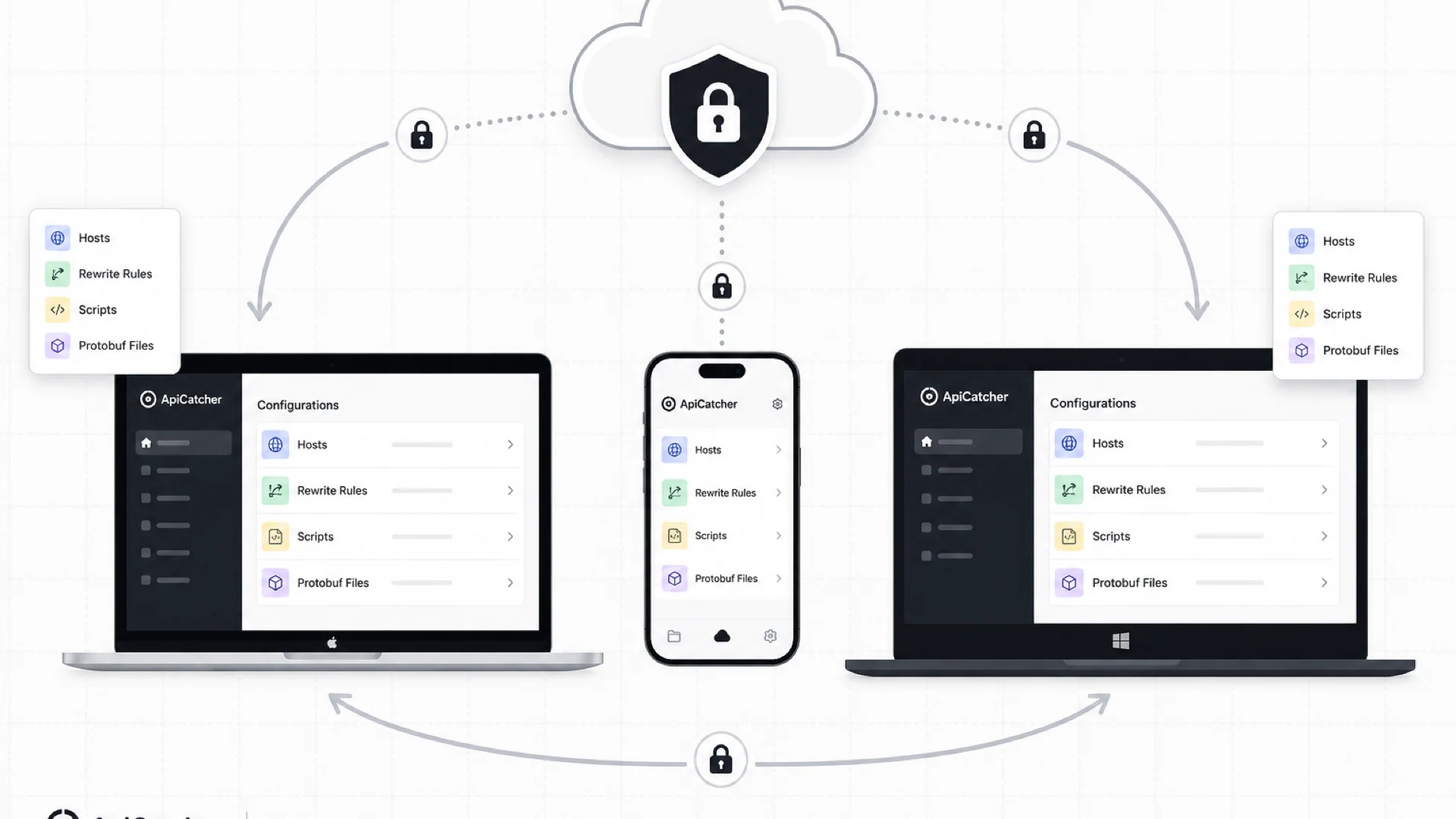
Cloud Sync: Keep Your Rewrite Rules, Scripts, and Config in Sync Across Devices
ApiCatcher Cloud Sync keeps host lists, rewrite rules, scripts, and other config in sync across desktop and mobile — with end-to-end encryption so the server never sees your plaintext data.
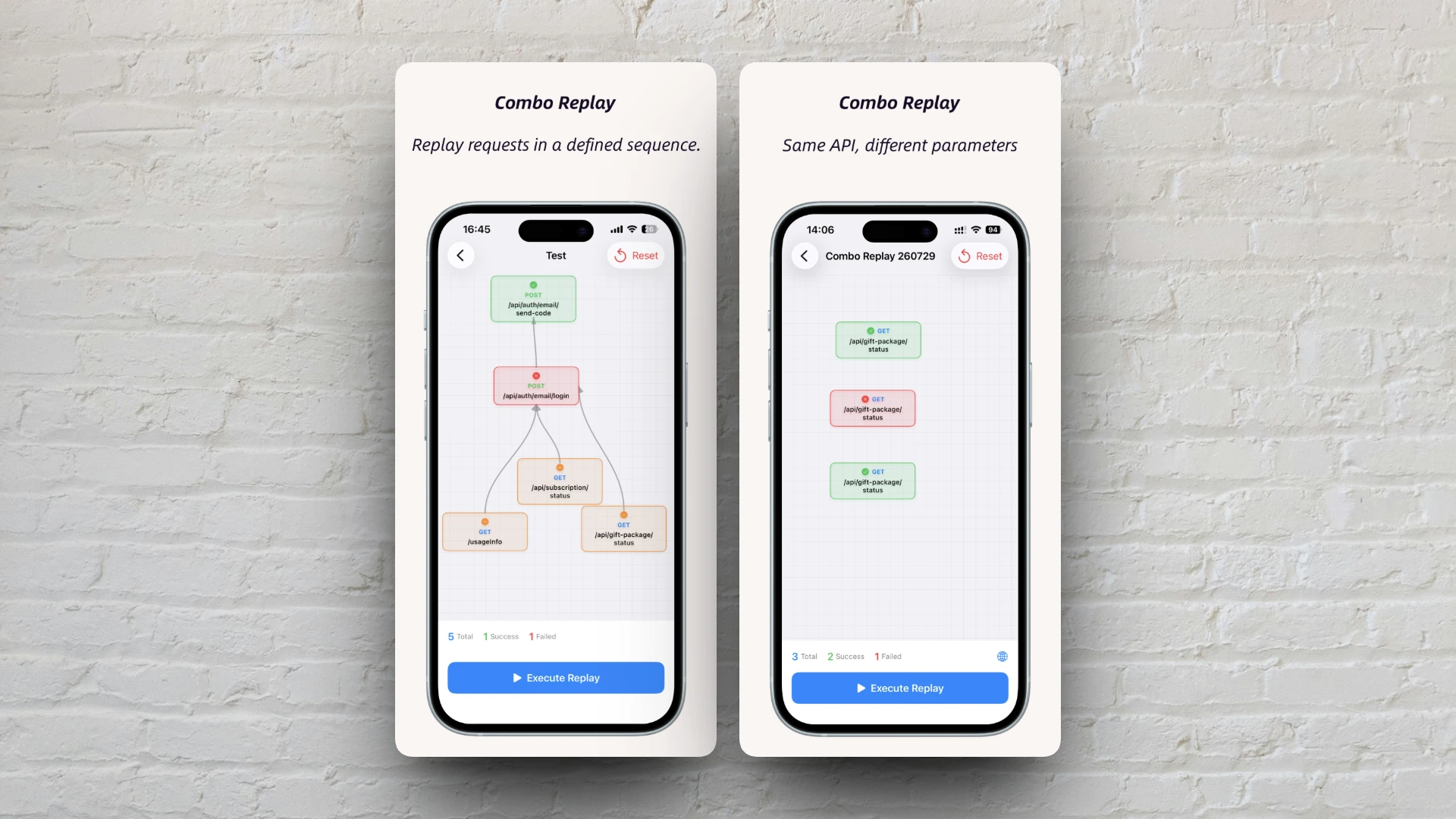
Combo Replay Upgrade: Batch-Test the Same API with Different Parameters
Combo Replay now supports multiple nodes for the same API, per-node preset parameters, and expression injection — run every business scenario and boundary case in one shot.
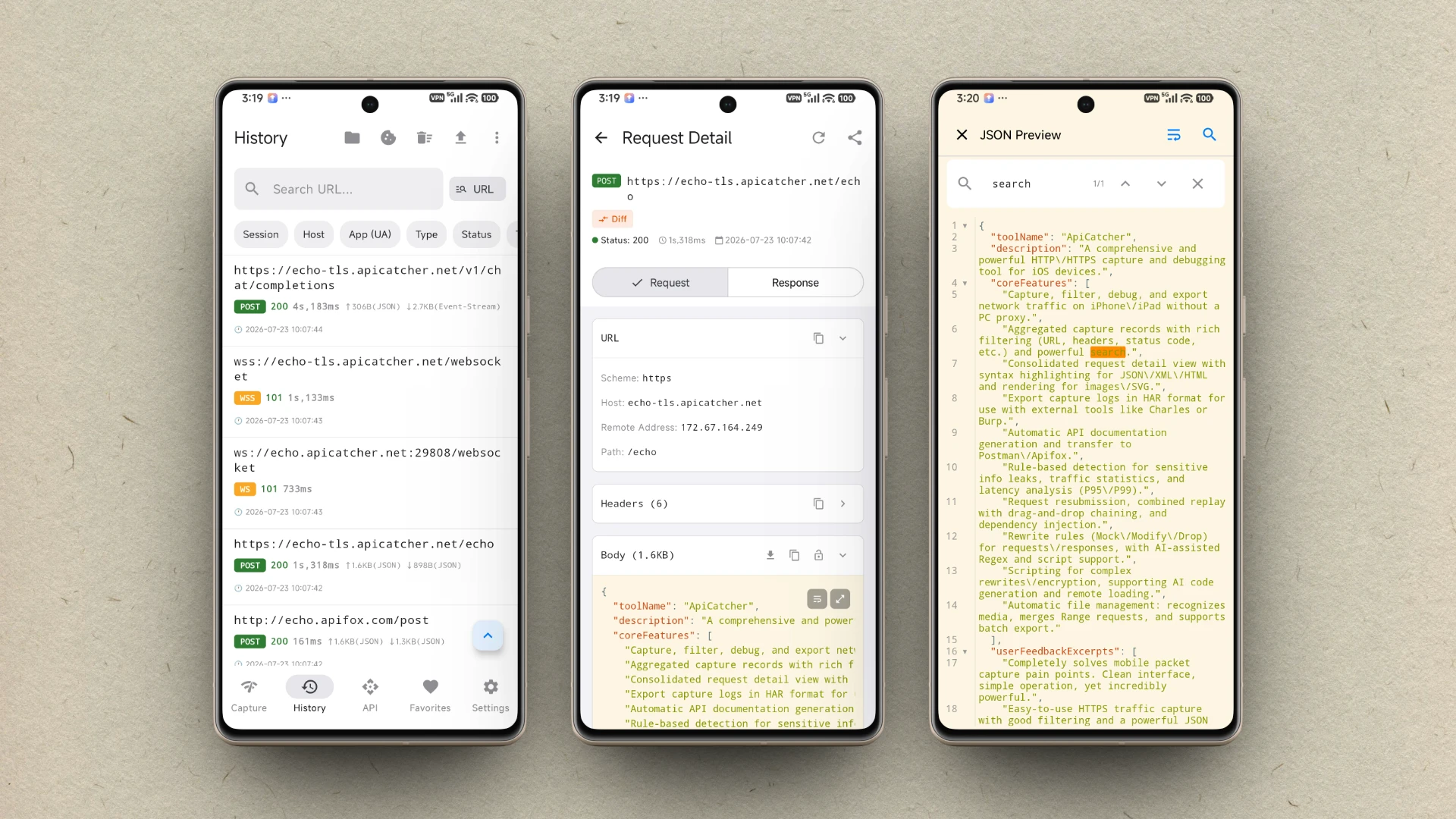
ApiCatcher 現已支援 Android
ApiCatcher for Android 現已上架 Google Play,App 內一鍵啟動即可抓取 HTTP/HTTPS 流量,無需設定系統代理。
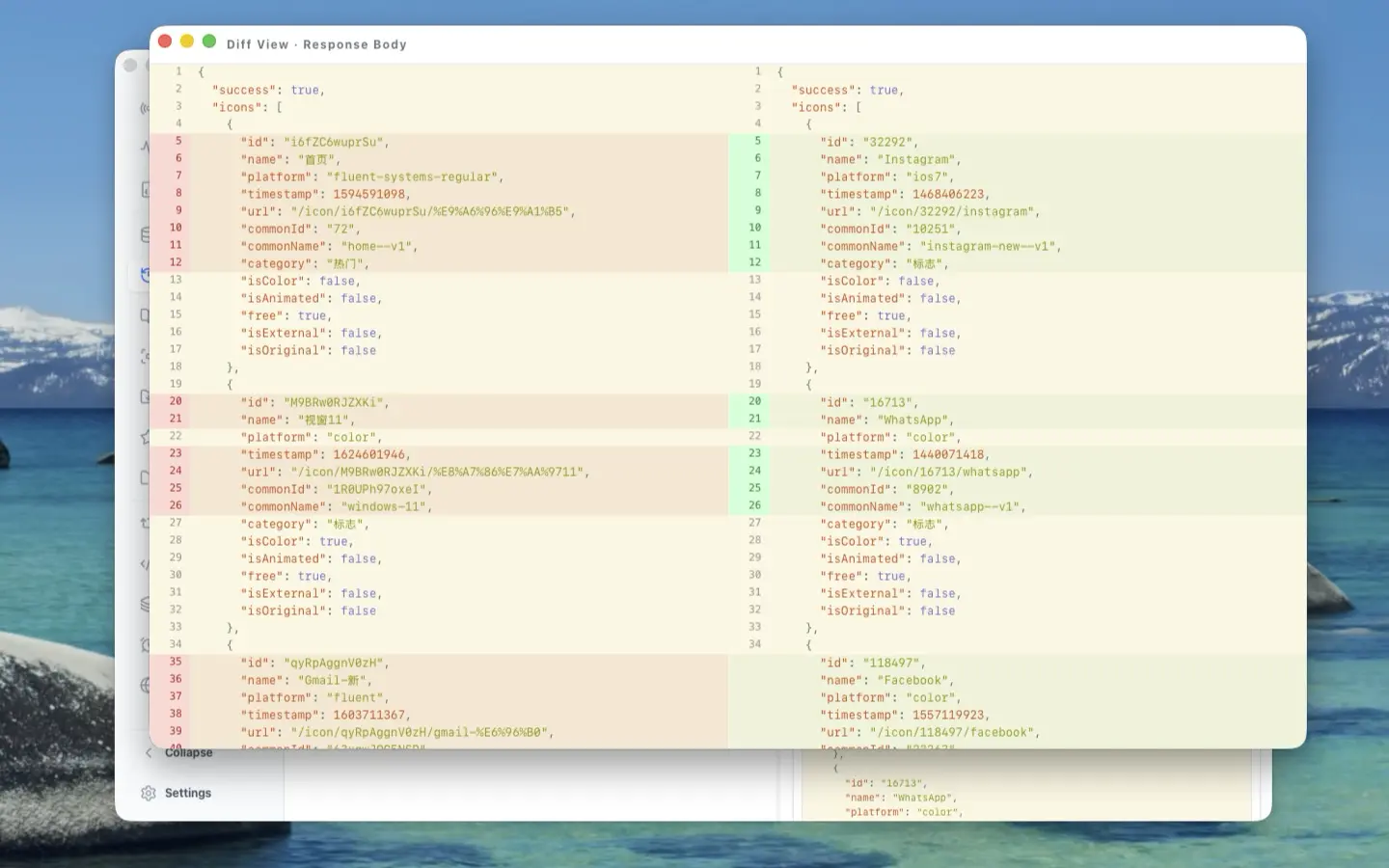
The Craft Behind the UI: A Deep Dive into ApiCatcher Desktop's UX Design
Side-by-side request-response layout, reusable components, full-screen body preview, detached windows for side-by-side comparison, and JSON Diff — here's the UX thinking that went into making ApiCatcher Desktop a joy to use for HTTP debugging.
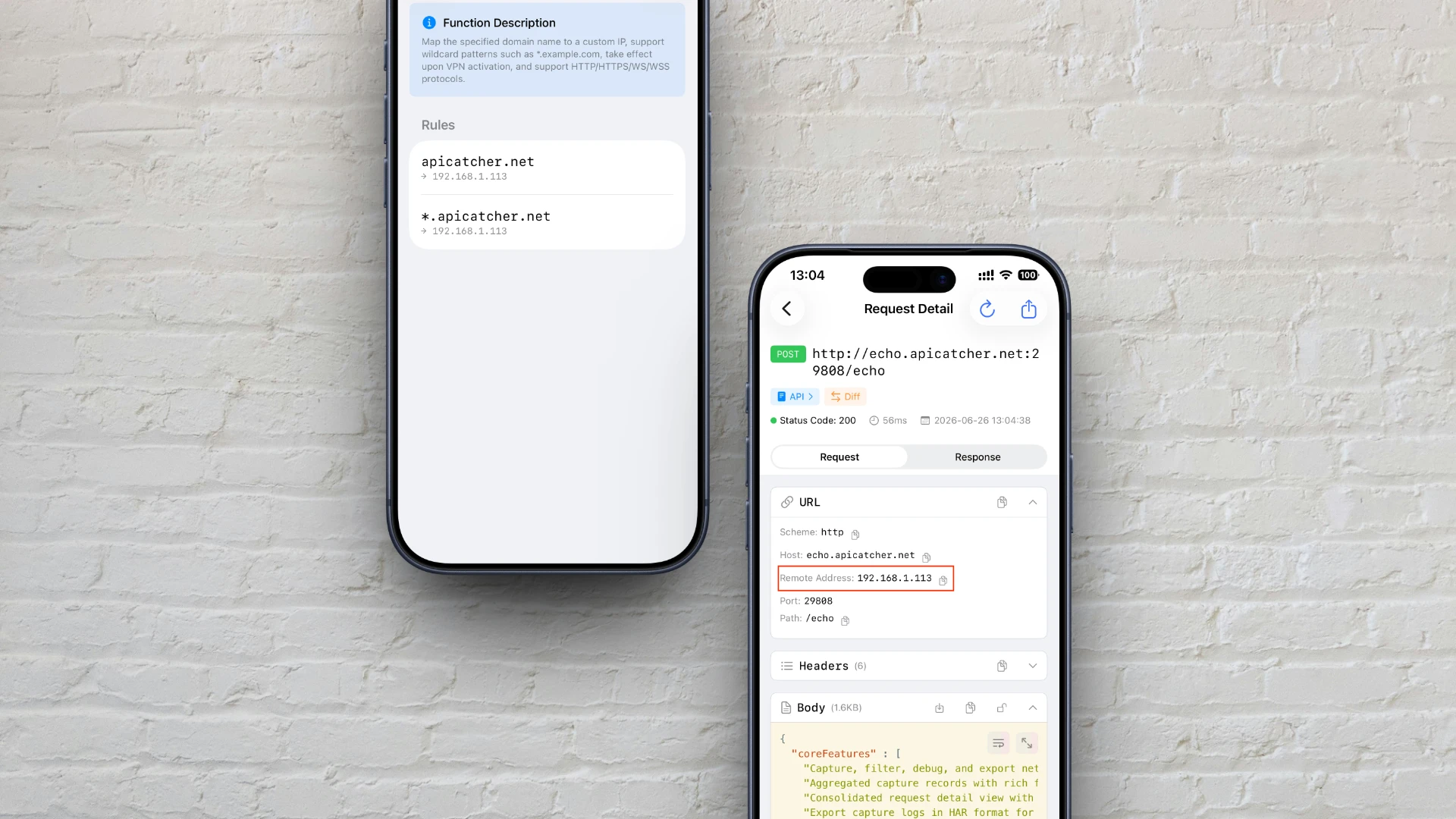
如何在 iOS 上像修改 hosts 一樣自訂網域解析
介紹如何利用 ApiCatcher 的 DNS 對映功能,在 iOS 上實現類似修改 hosts 檔案的自訂網域解析,並詳解其代理層攔截與重新導向的底層原理。

ApiCatcher 支援抓包 HTTP 傳輸大檔案的實作原理
揭秘 ApiCatcher 如何突破 iOS 網路擴展的記憶體限制,透過串流寫入磁碟的方式實現大檔案抓包,避免因記憶體不足導致請求被丟棄。
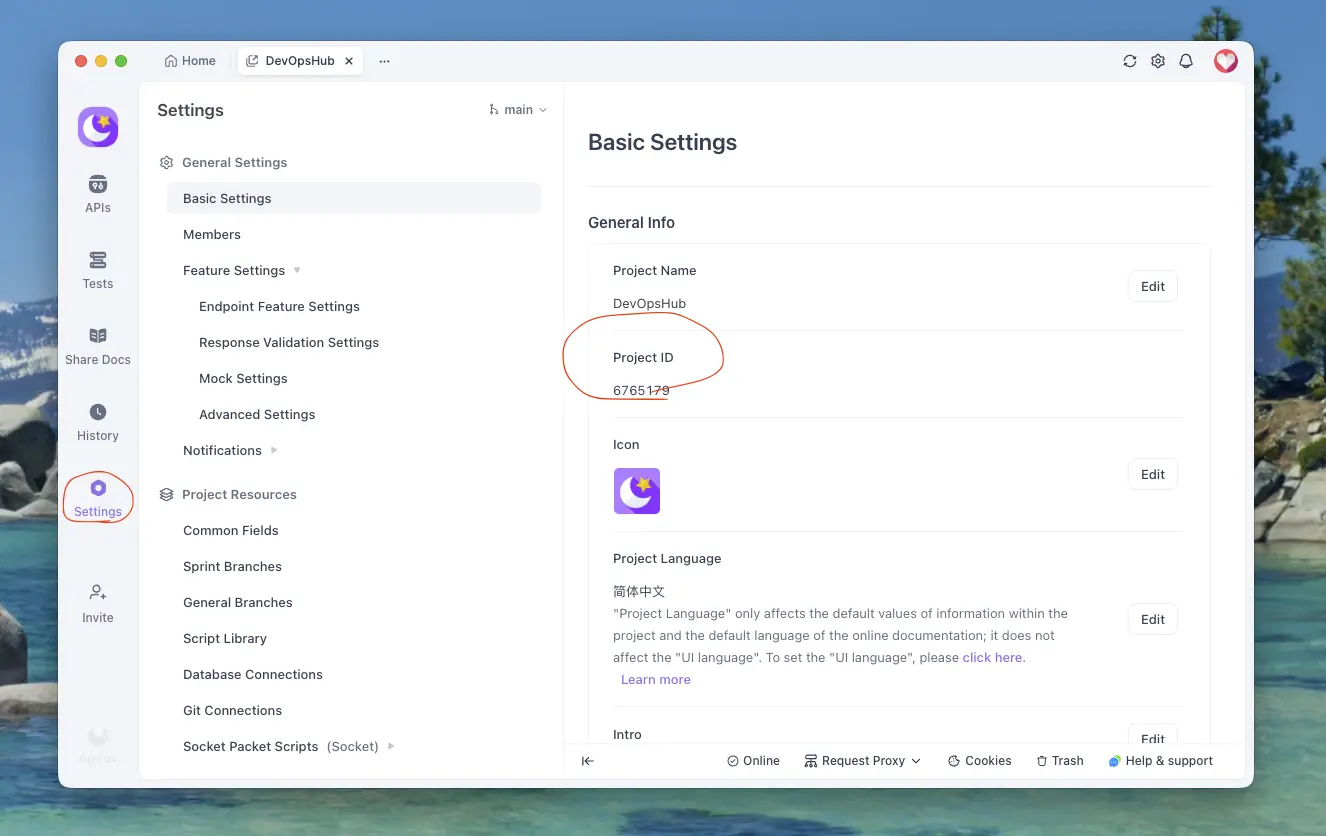
如何將抓包的 HTTPS 請求匯出到 Apifox
詳細教學:如何將在 ApiCatcher 中抓取的 HTTPS 請求匯出到 Apifox,只需幾步即可完成 API 文件的匯出。
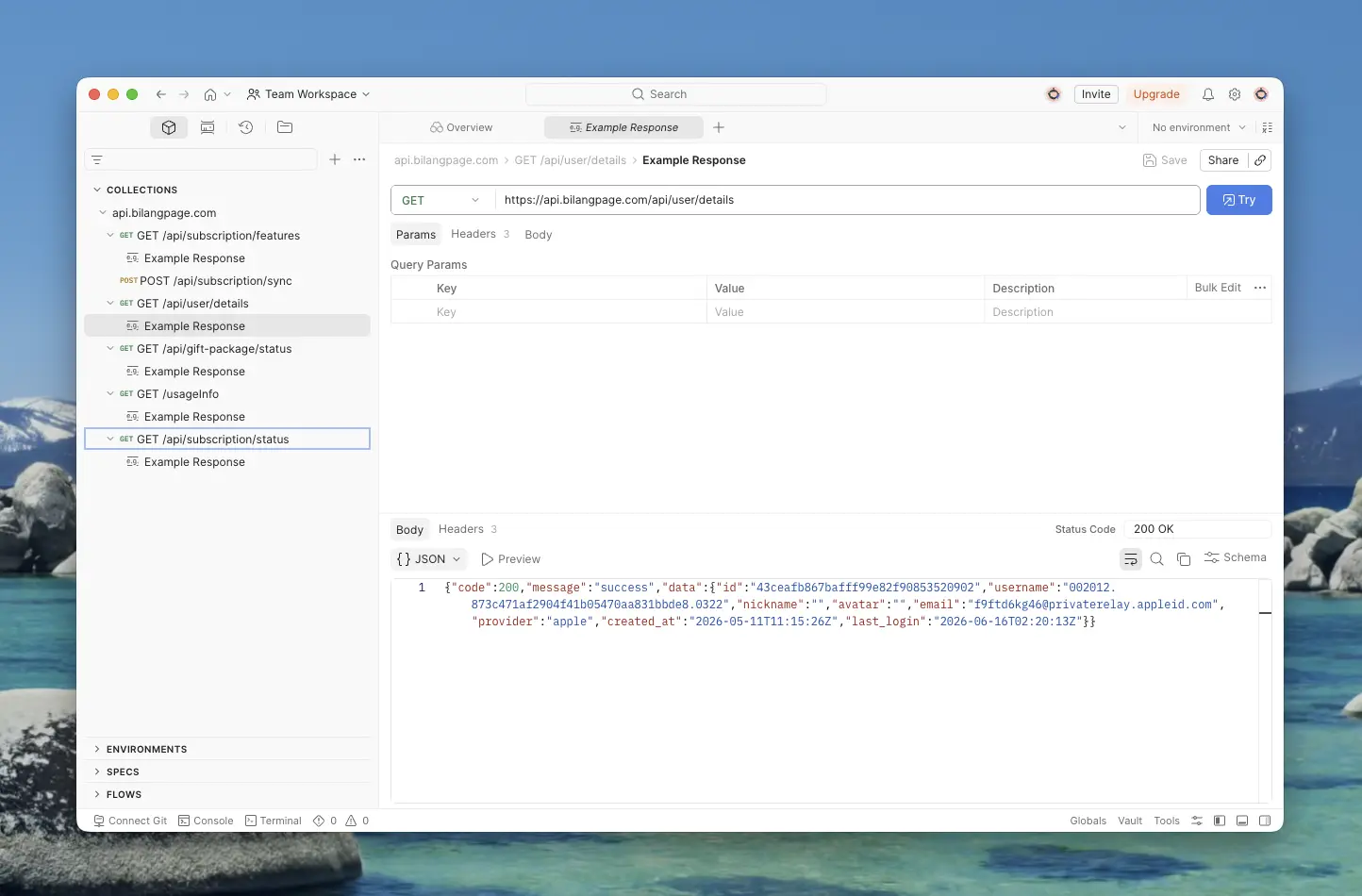
如何將抓包的 HTTPS 請求匯出到 Postman
詳細教學:如何將在 ApiCatcher 中抓取的 HTTPS 請求匯出到 Postman,包含取得 API Key、選取 Workspace 與 Collection 等步驟。
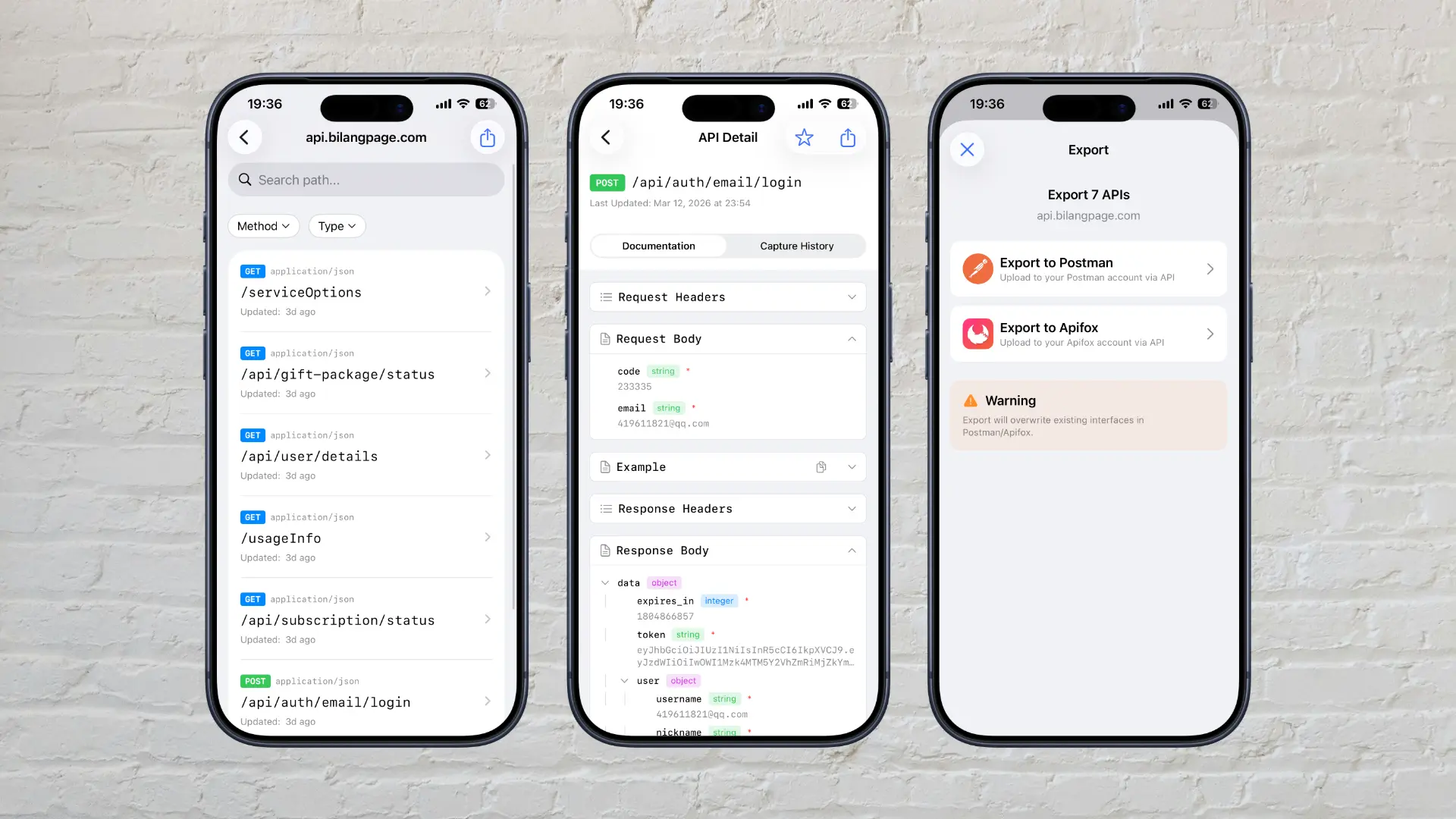
我們為什麼開發 ApiCatcher?
分享為什麼我們要開發 ApiCatcher 這款 HTTPS 抓包工具,以及它如何解決開發者在實際工作中面臨的 API 文件缺失與除錯困難。