
ApiCatcher Blog: API Capture & Debugging Tutorials
Explore API capture, export, and debugging with ApiCatcher.
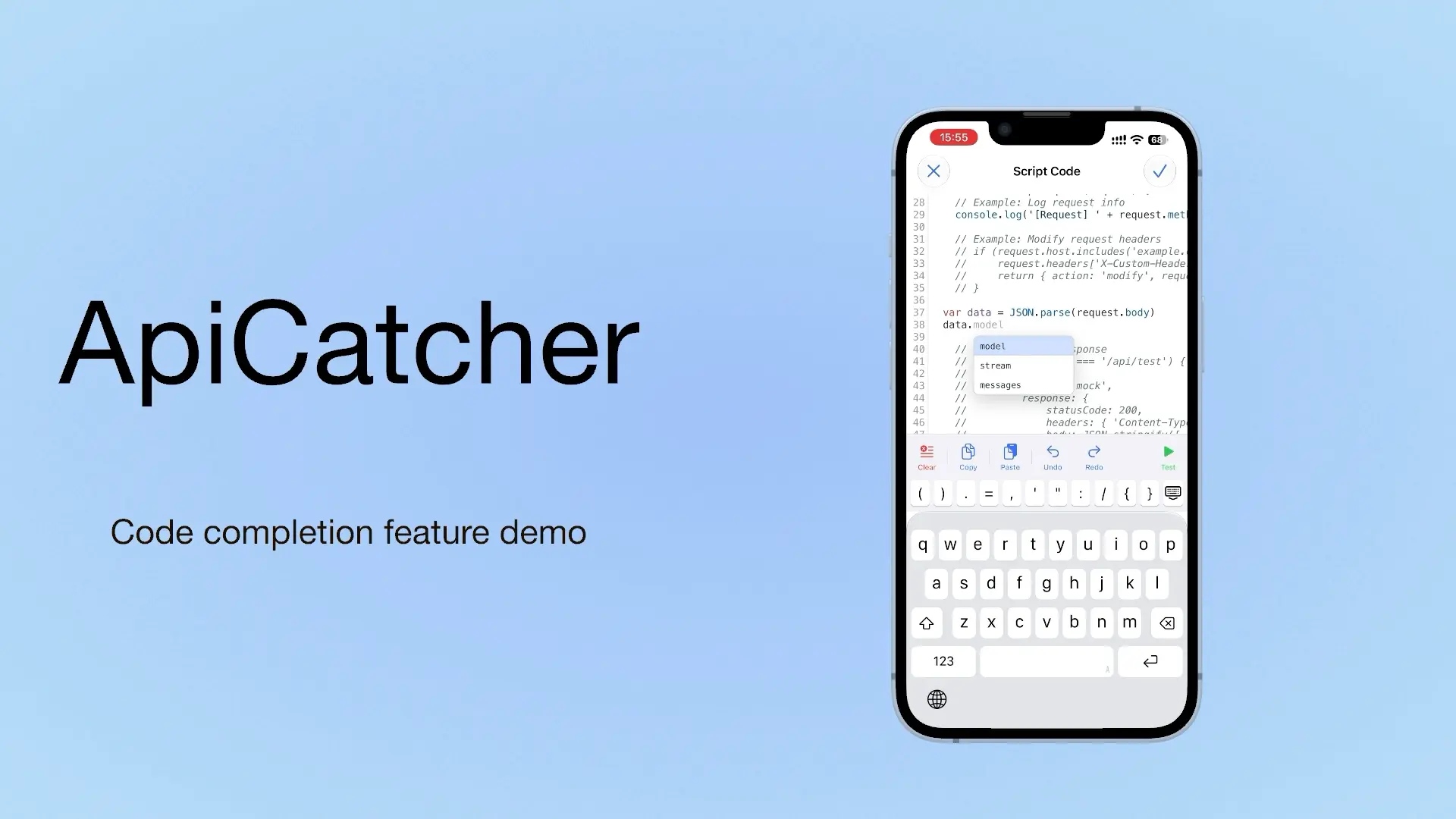
ApiCatcher: an HTTP Capture and Debugging Tool with Code Completion as You Write Script Code
If we can offer a choice, we offer a choice. If we can offer a completion hint, we offer a completion hint. If we can offer a template, we offer a template. Code completion is on iOS only for now. Update to 4.4 to use it.
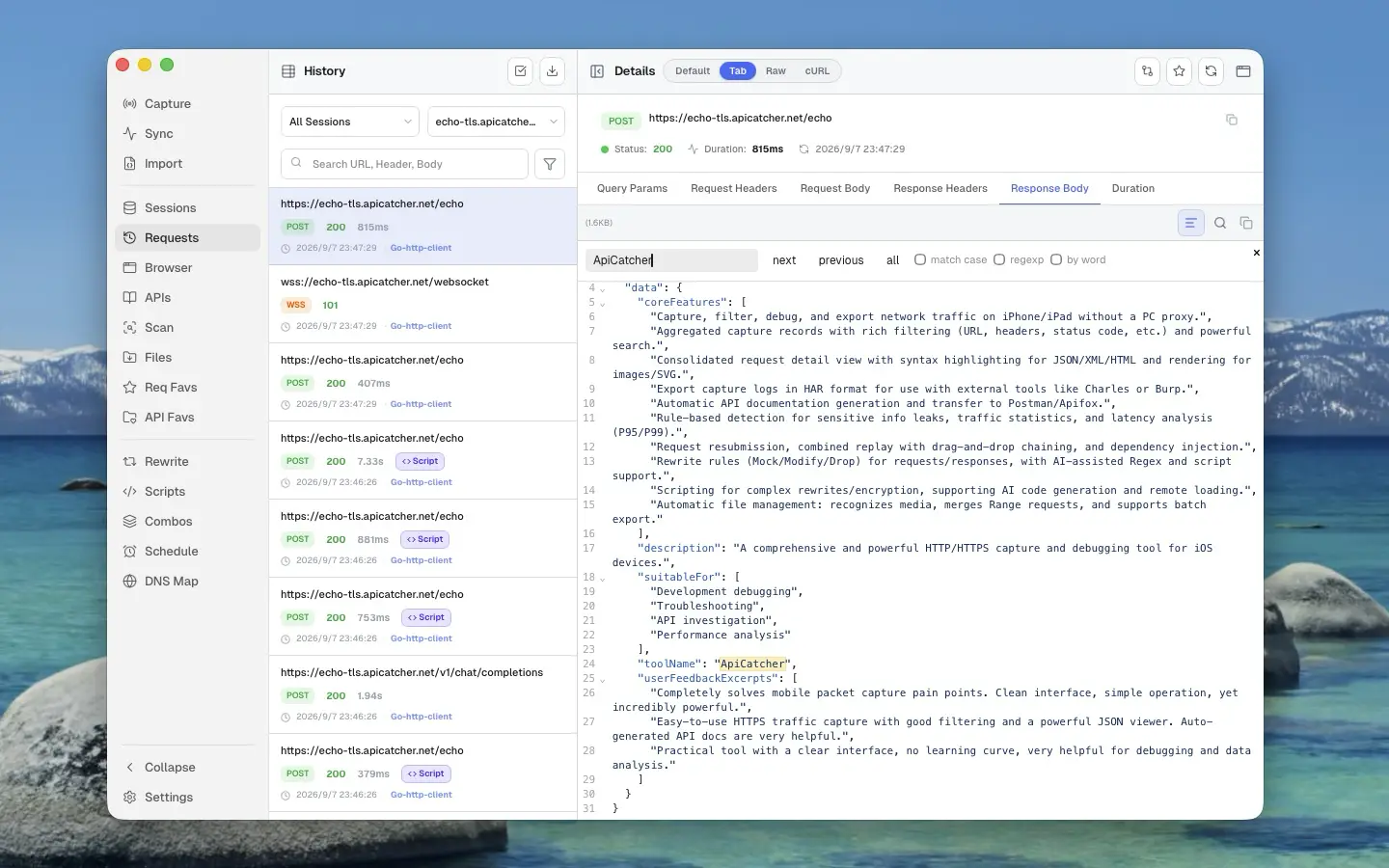
HTTP/HTTPS 캡처·디버깅 도구: Charles Proxy vs Proxyman vs ApiCatcher
Charles Proxy, Proxyman, ApiCatcher를 나란히 비교합니다. 지원 플랫폼, 휴대폰에서 컴퓨터 없이 캡처할 수 있는지, 중단점·재작성·재생의 차이를 정리했습니다.
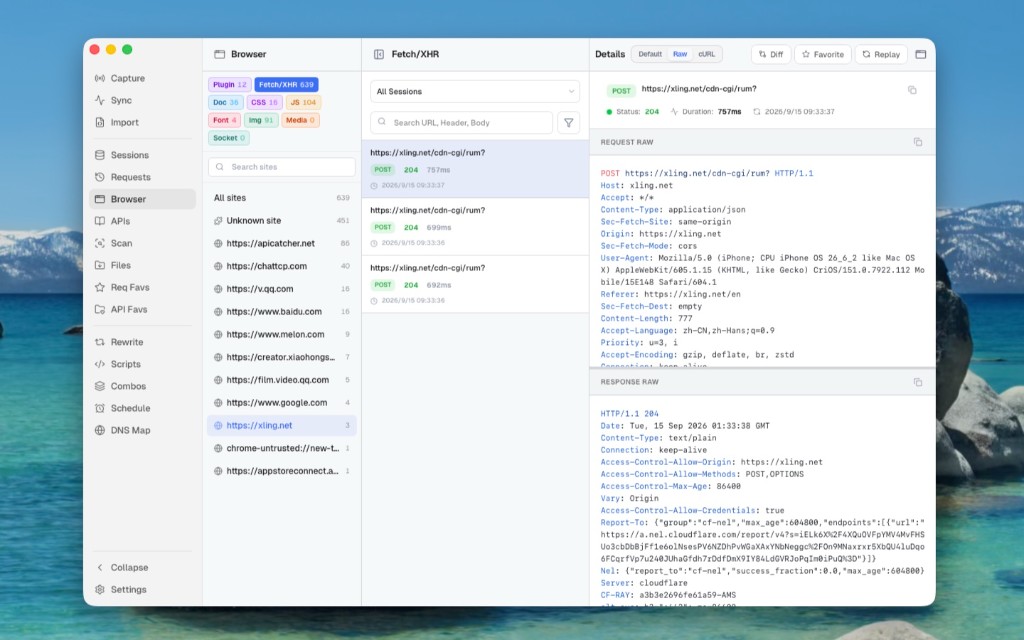
Use ApiCatcher Instead of the Browser’s Network Panel, Same Experience, but Those Requests the Network Panel Can’t See Are All Visible
The Network panel is awkward for login APIs and extension background requests, and a refresh clears the history. Desktop Browser view can show those requests Chrome does not keep.
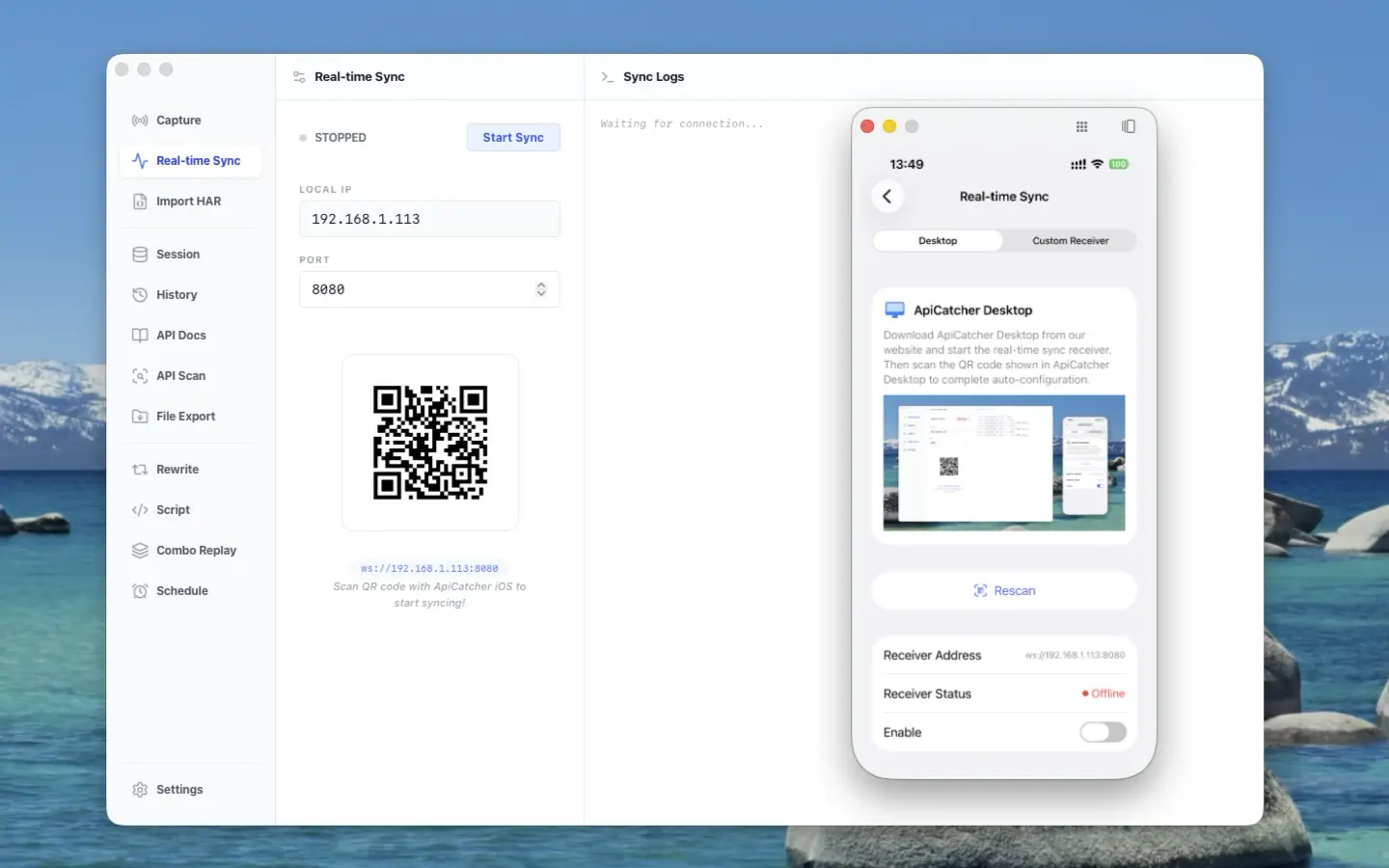
ApiCatcher opens its real-time sync protocol — stream HTTP traffic from iOS / Android to your receiver
ApiCatcher opens its real-time sync protocol: stream HTTP traffic captured on iOS and Android to your receiver, without exporting HAR by hand.
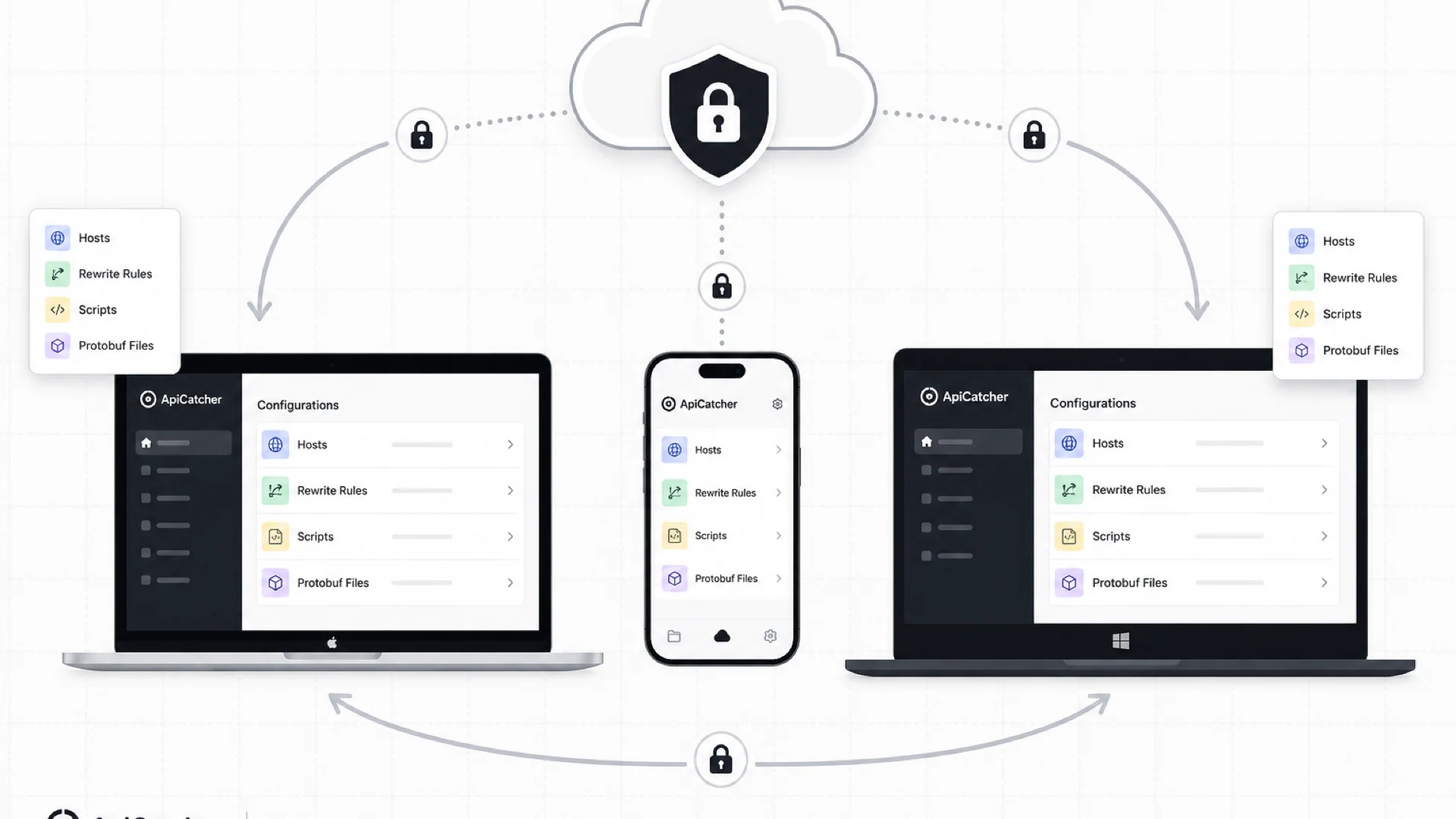
Cloud Sync: Keep Your Rewrite Rules, Scripts, and Config in Sync Across Devices
ApiCatcher Cloud Sync keeps host lists, rewrite rules, scripts, and other config in sync across desktop and mobile — with end-to-end encryption so the server never sees your plaintext data.
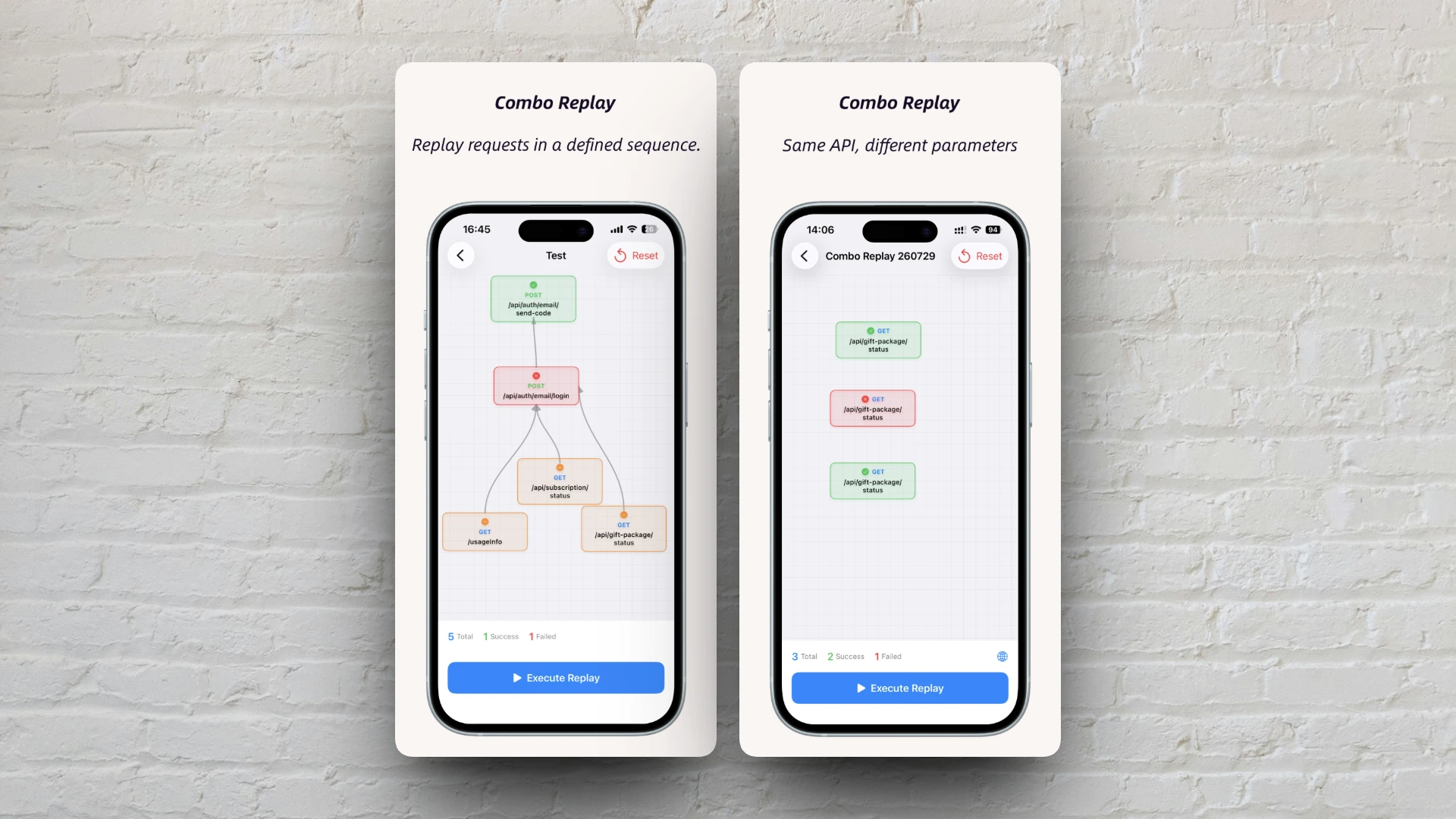
Combo Replay Upgrade: Batch-Test the Same API with Different Parameters
Combo Replay now supports multiple nodes for the same API, per-node preset parameters, and expression injection — run every business scenario and boundary case in one shot.
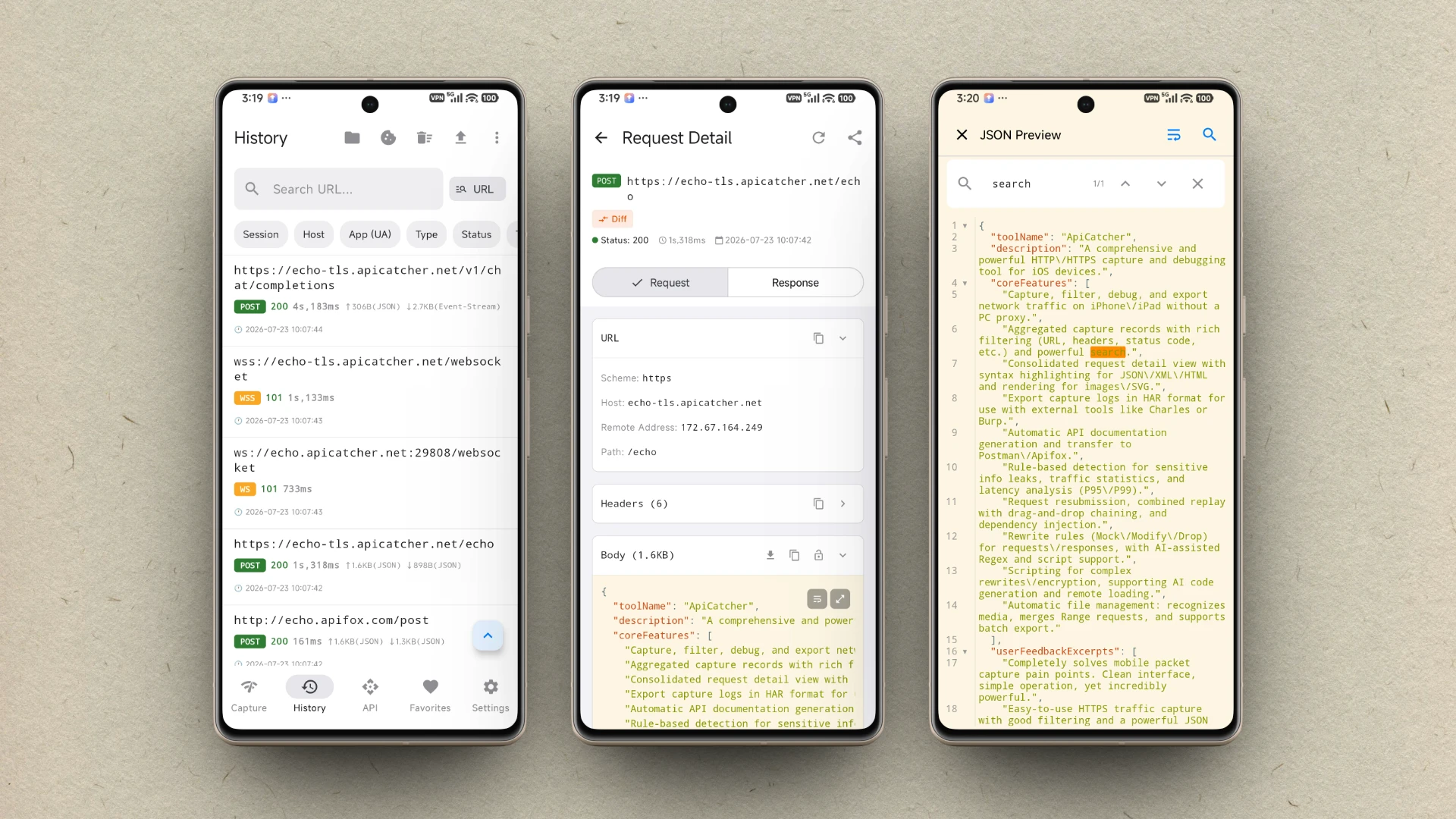
ApiCatcher Android 버전 출시
ApiCatcher for Android가 Google Play에 출시되었습니다. 앱에서 한 번의 탭으로 HTTP/HTTPS 트래픽을 캡처할 수 있으며, 프록시 설정이 필요 없습니다.
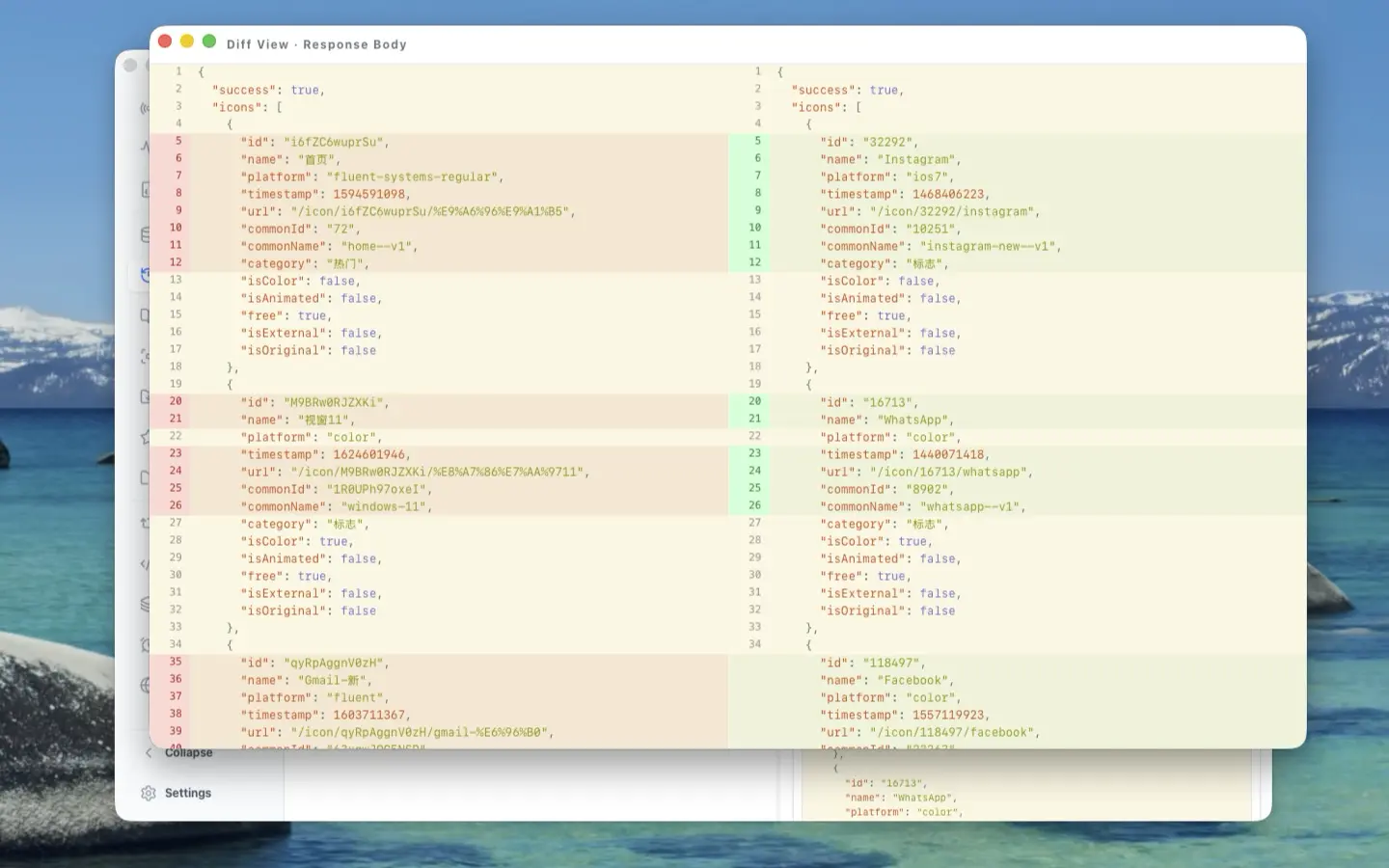
The Craft Behind the UI: A Deep Dive into ApiCatcher Desktop's UX Design
Side-by-side request-response layout, reusable components, full-screen body preview, detached windows for side-by-side comparison, and JSON Diff — here's the UX thinking that went into making ApiCatcher Desktop a joy to use for HTTP debugging.
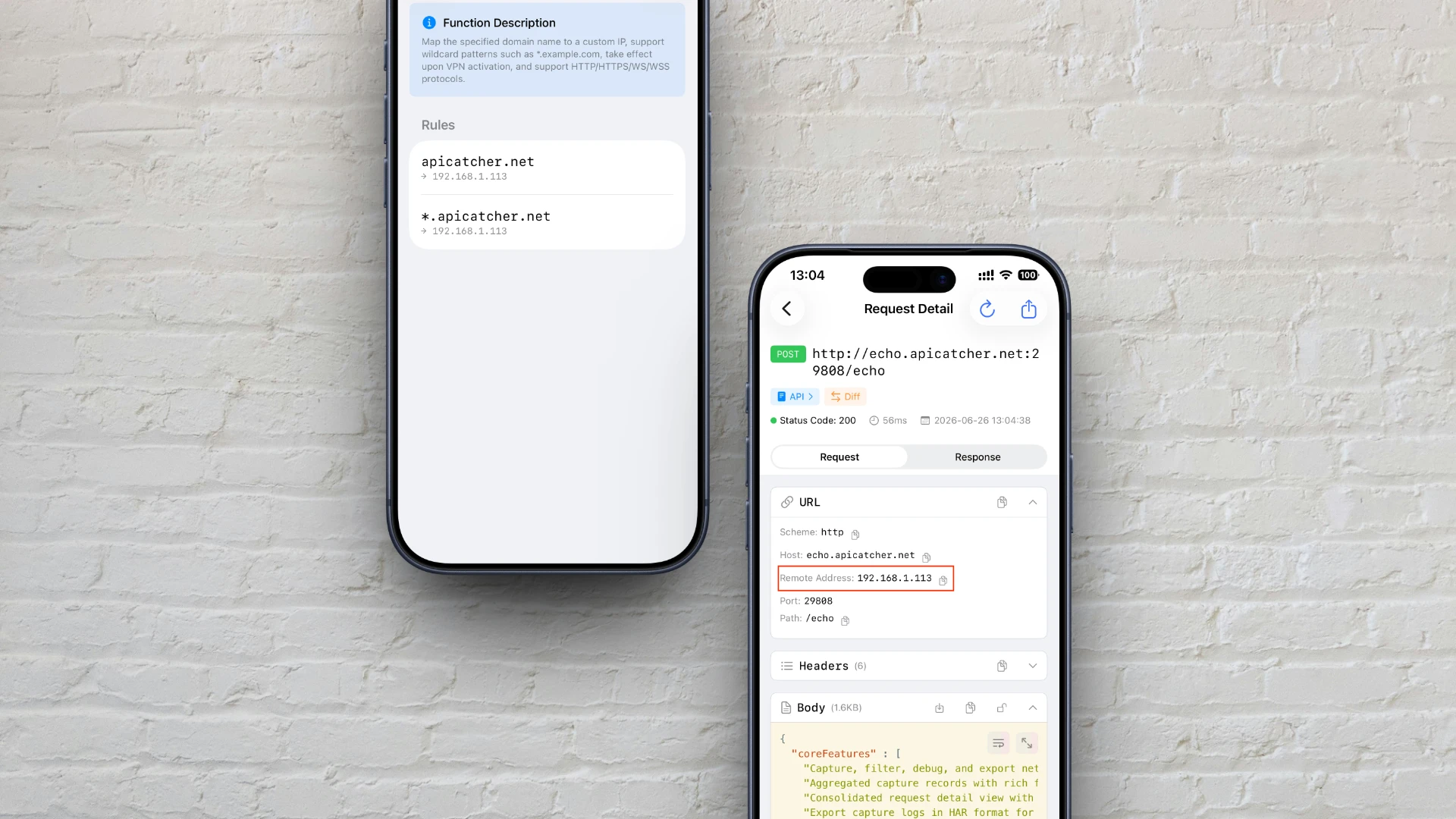
iOS에서 hosts 파일을 수정하듯 DNS 해석을 커스터마이즈하는 방법
iOS에서 hosts 파일을 수정하는 것처럼 ApiCatcher의 DNS 매핑 기능을 활용해 도메인 해석을 커스터마이즈하는 방법과 프록시 계층 인터셉트 및 리디렉션의 작동 원리를 알아봅니다.
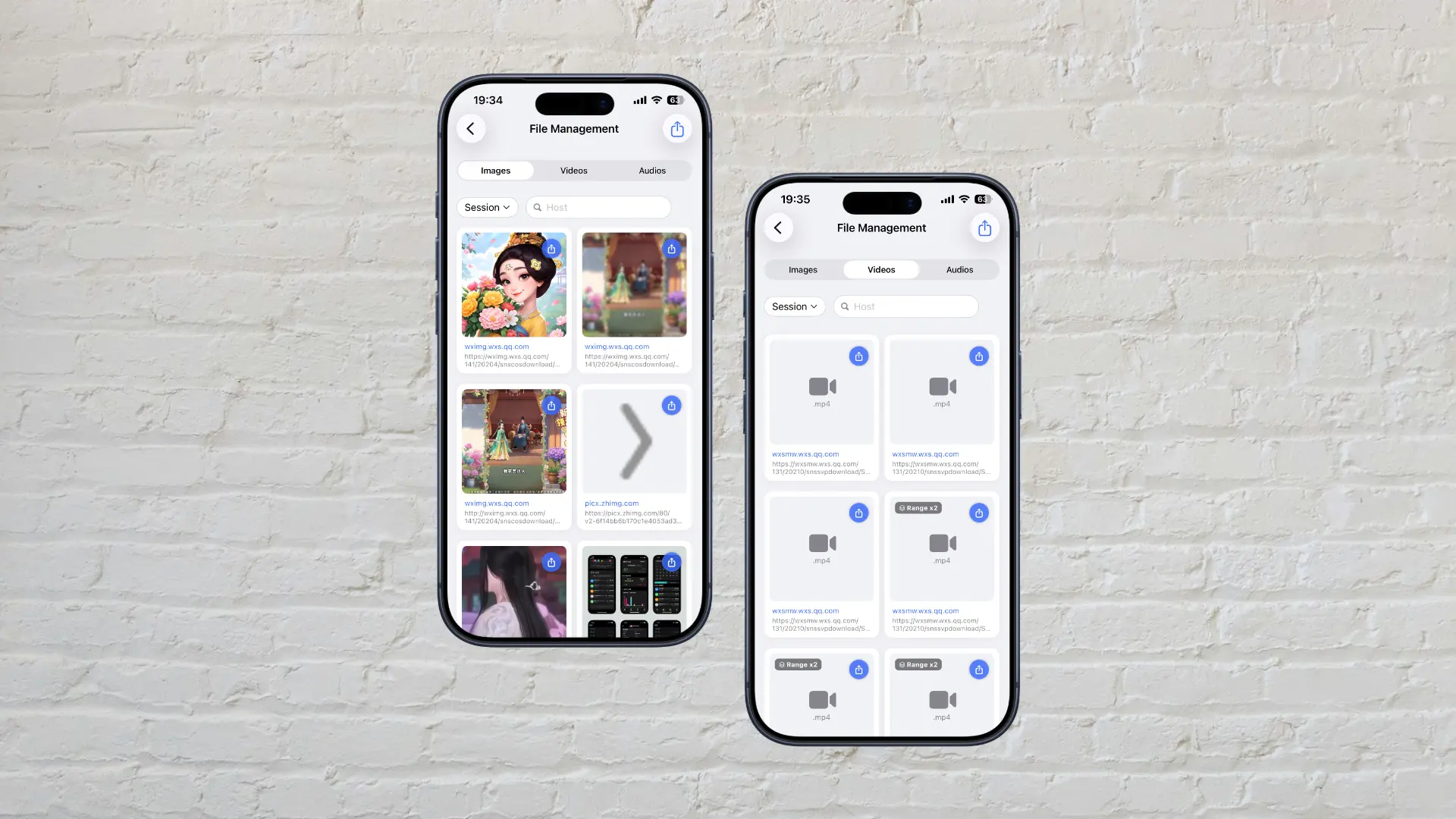
HTTP를 통한 대용량 파일 캡처: ApiCatcher의 구현 방식
iOS 네트워크 확장 프로세스의 메모리 제한을 우회하여 대용량 파일을 스트리밍 방식으로 디스크에 직접 저장하는 ApiCatcher의 구현 방식을 소개합니다. 메모리 부족으로 인한 요청 폐기를 방지합니다.
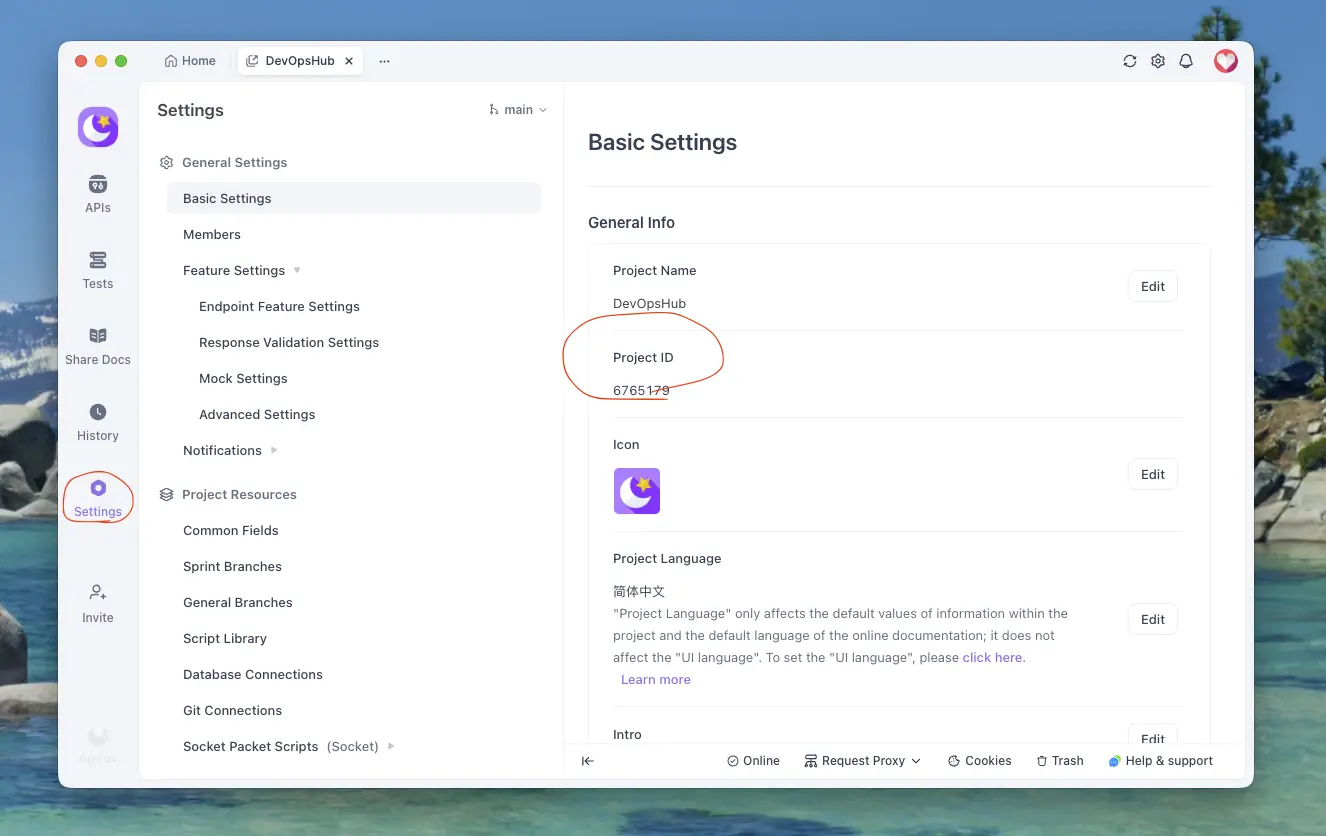
캡처한 HTTPS 요청을 Apifox로 내보내는 방법
ApiCatcher에서 캡처한 HTTPS 요청을 Apifox로 내보내는 방법 — 몇 단계만으로 완료할 수 있습니다.
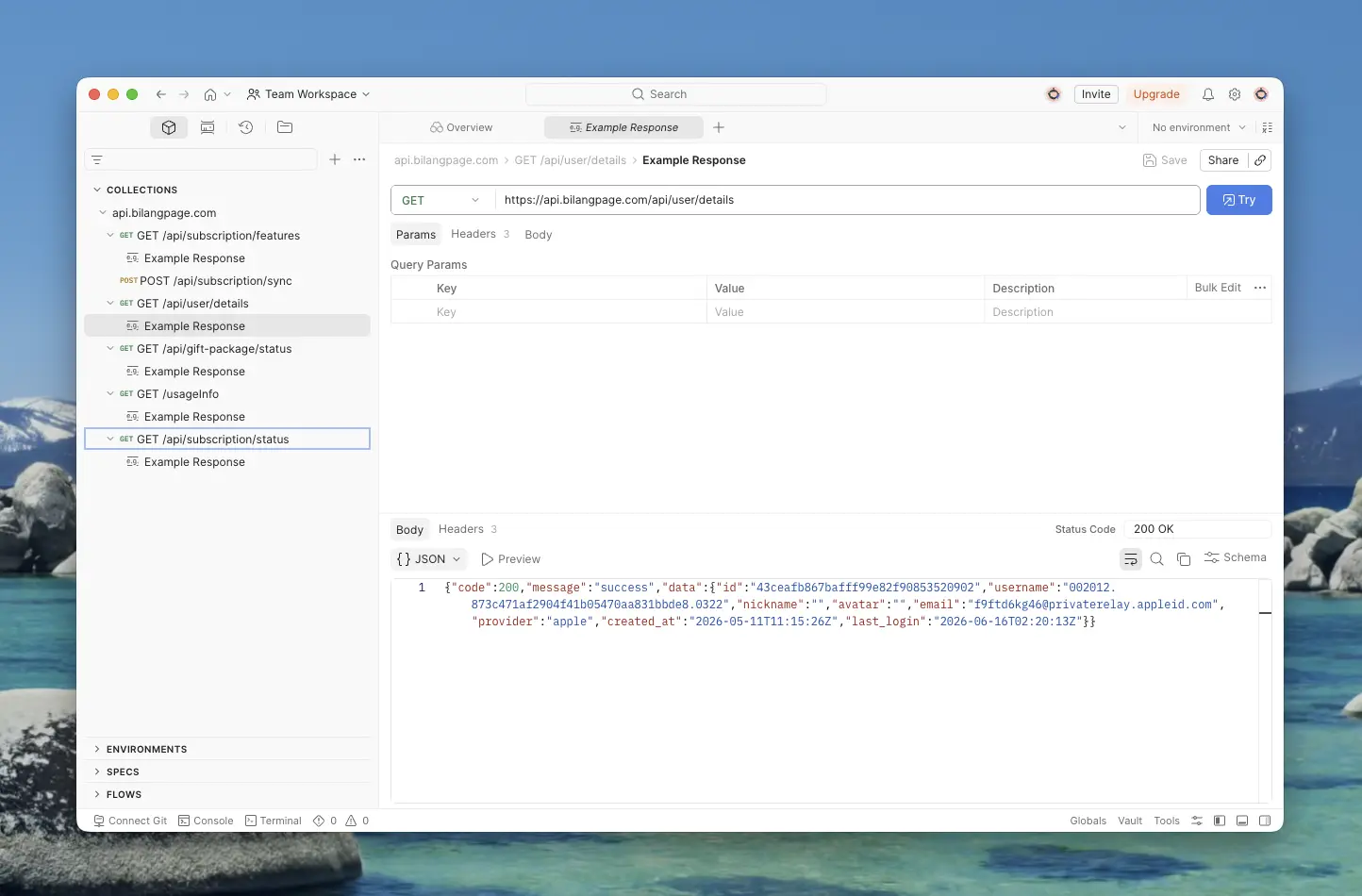
캡처한 HTTPS 요청을 Postman으로 내보내는 방법
ApiCatcher에서 캡처한 HTTPS 요청을 Postman으로 내보내는 방법 — API Key 발급, Workspace 및 Collection 선택 방법을 단계별로 안내합니다.
Why Did We Build ApiCatcher?
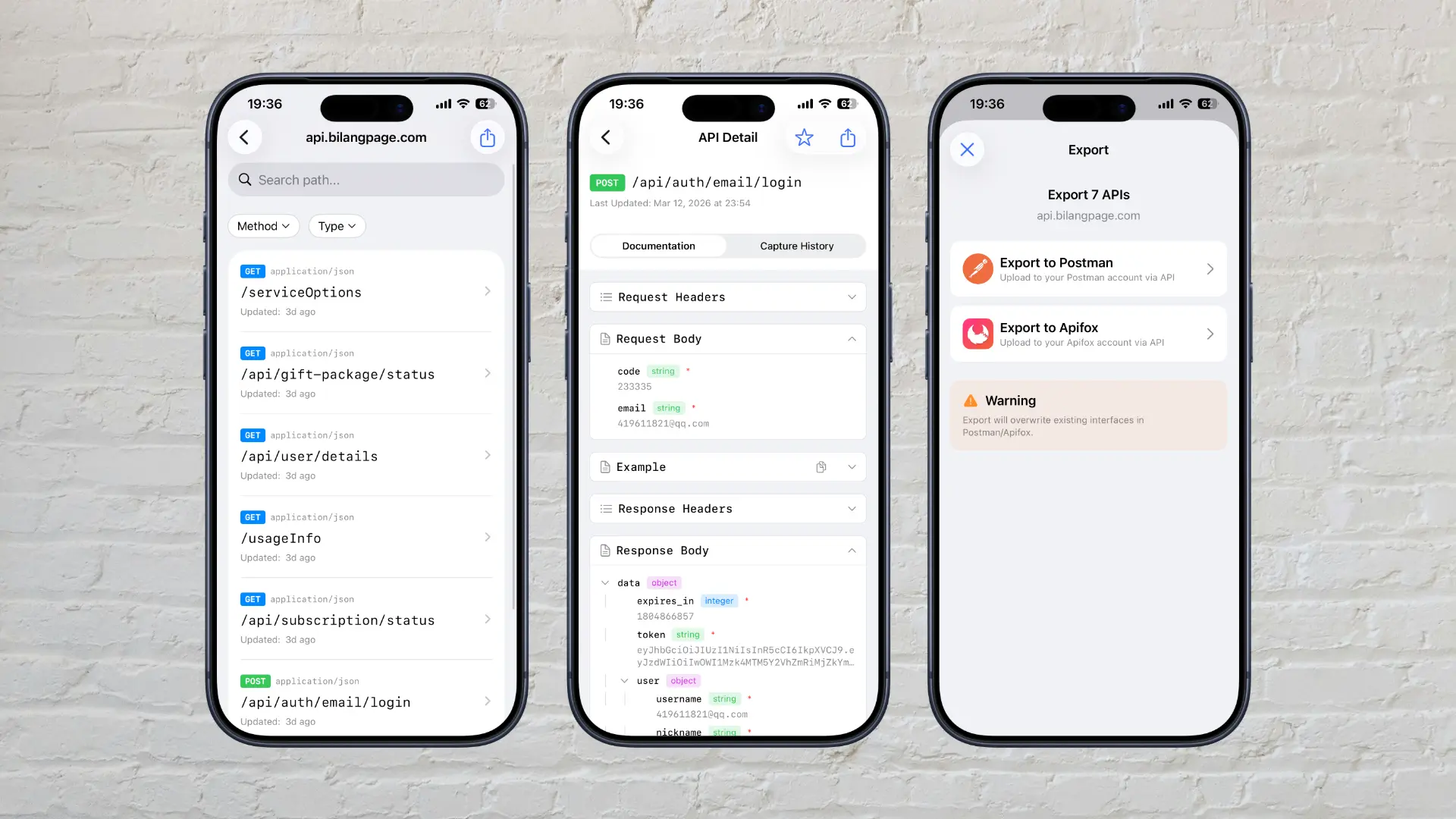
Why we built ApiCatcher — an HTTPS debugging proxy that automatically generates API documentation and solves the real-world pain of missing docs and difficult debugging.