
ApiCatcher for Mac(Designed for iPad)
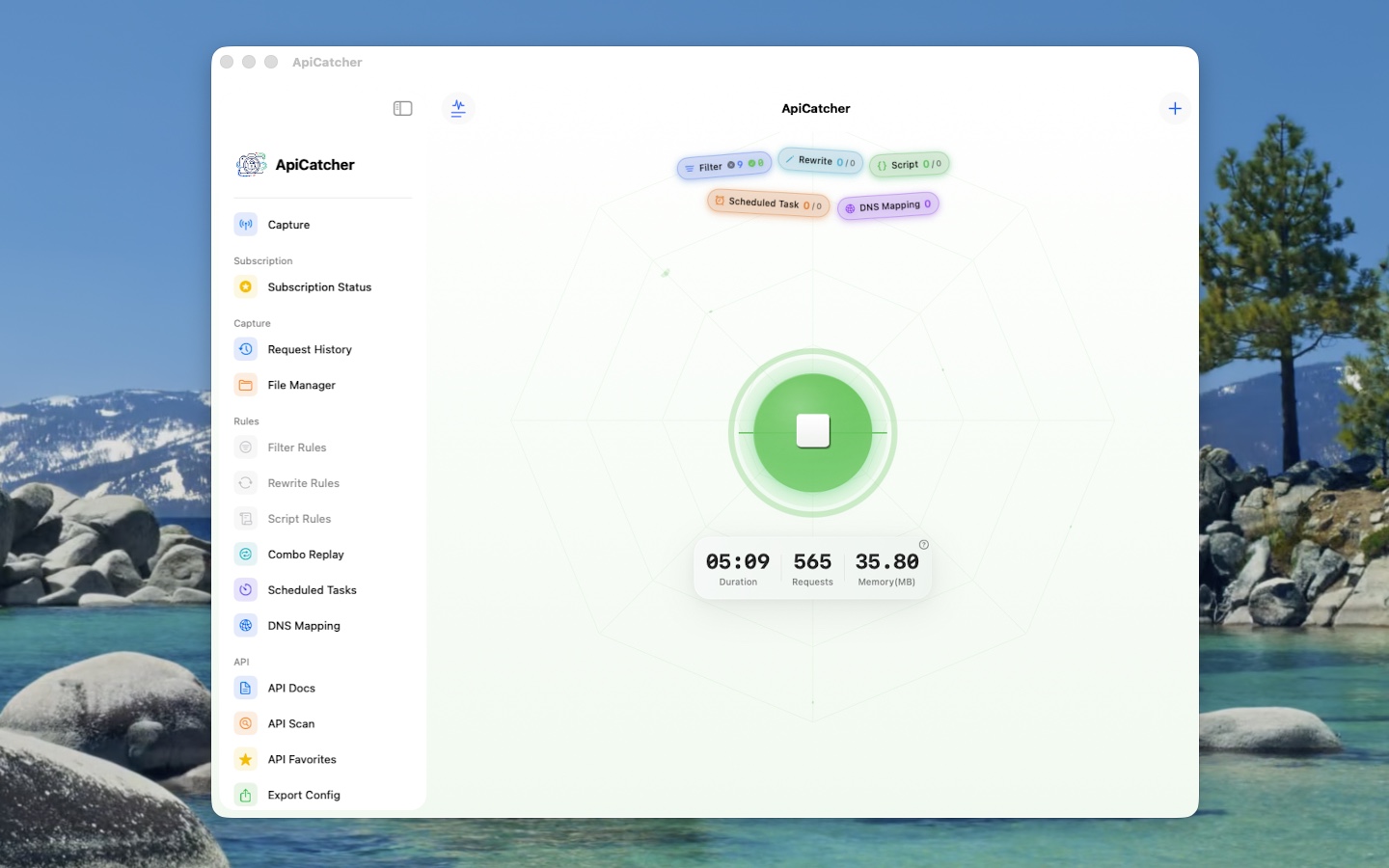
The same mobile capture experience on your Mac
You can install the iPad version of ApiCatcher on your Mac to get the same experience as on mobile.
Version 3.17 is expected on September 10, 2026 (UI adapted for iPad and Mac).
Advantage over the desktop app
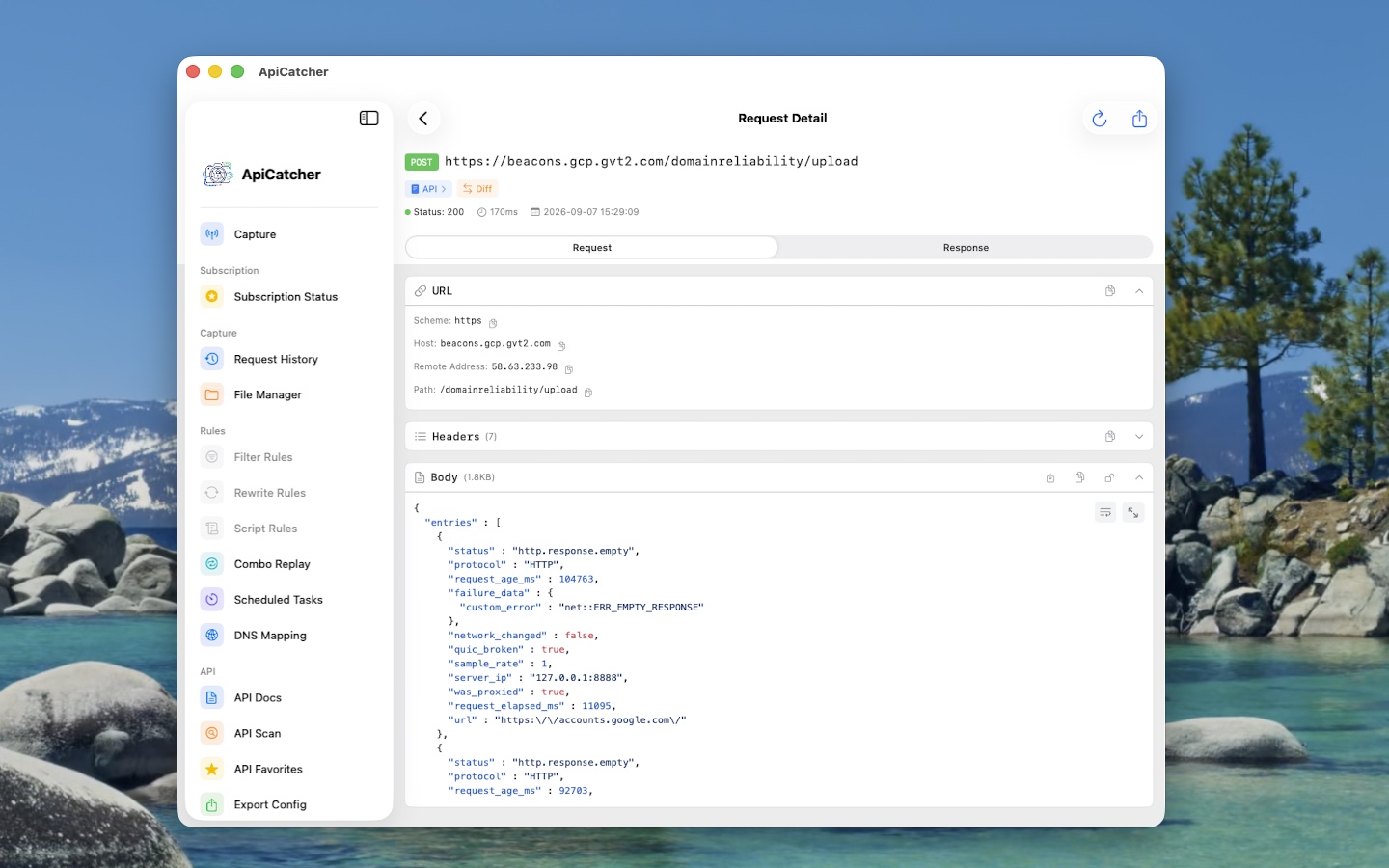
ApiCatcher for Mac (Designed for iPad) captures packets through a VPN tunnel. The current desktop version does not support VPN capture and only captures traffic by configuring the system proxy.
✓VPN-tunnel capture
Same as iPhone / iPad: intercept traffic through a VPN tunnel without relying on the system proxy.
⚠Desktop: system proxy
The desktop app currently only captures packets via the system proxy. Apps that ignore the system proxy cannot be captured directly.
About the desktop app ↗Install and trust the certificate
Install from the App Store and trust the root certificate required to decrypt HTTPS/WSS
1How to install
Install from the App Store
Search for ApiCatcher in the App Store, then download and install it.
2Install and trust the certificate (decrypt HTTPS / WSS)
To capture and decrypt HTTPS/WSS packets, generate, install, and always trust the certificate as follows.
- Open the app and tap “Install Certificate”.
- On the install-certificate page, tap generate and download. The certificate is generated locally. After generation, a local HTTP server starts and your browser automatically opens the local download page.
- Click “Download Certificate” on the page, save it to your Mac, then open the downloaded file to install it.
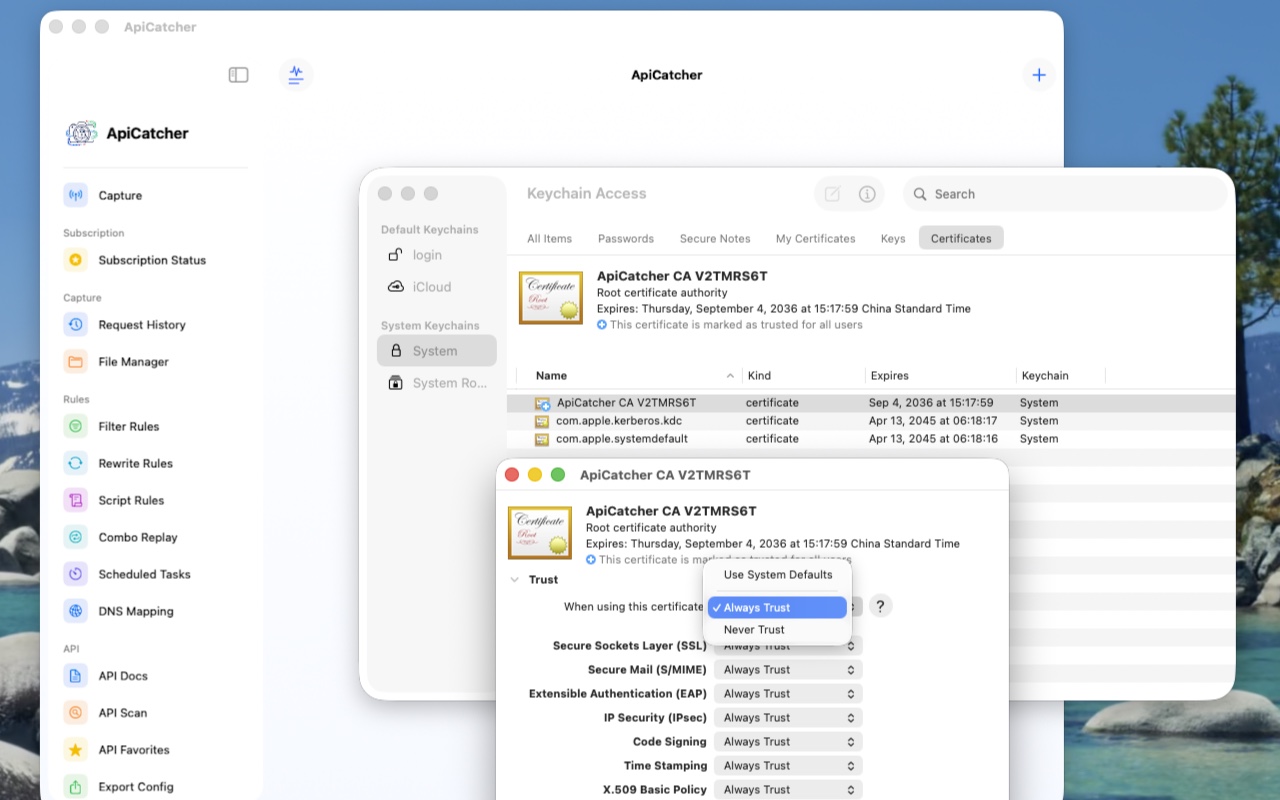
- Open Keychain Access, go to Certificates, and find the newly installed certificate named “ApiCatcher CA xxxxxxxx”.
- Open the certificate info, expand Trust, and set “When using this certificate” to Always Trust.
3Notes
- If you already installed the ApiCatcher desktop app, its certificate is named “ApiCatcher Root CA”. You can tell them apart by name.
- Reinstalling the app requires generating and installing a new certificate. You can delete the old certificate.