
How to Capture iPhone Traffic with Burp Suite
Burp Suite is an integrated penetration testing platform for application security testing. It can capture and debug HTTPS traffic, but it does not ship a mobile app. To capture HTTP/S traffic on an iPhone, you set a Wi-Fi proxy on the phone and forward requests to Burp Suite. That means reconfiguring the Wi-Fi proxy every time you capture traffic, which is a hassle. Apps built with frameworks such as Flutter also skip the system proxy, so their traffic is missed.
ApiCatcher is an HTTPS capture and debugging tool. Its mobile app takes the friction out of capturing on an iPhone: it captures over a VPN, so there is no Wi-Fi proxy to configure, and it can capture traffic from Flutter apps.
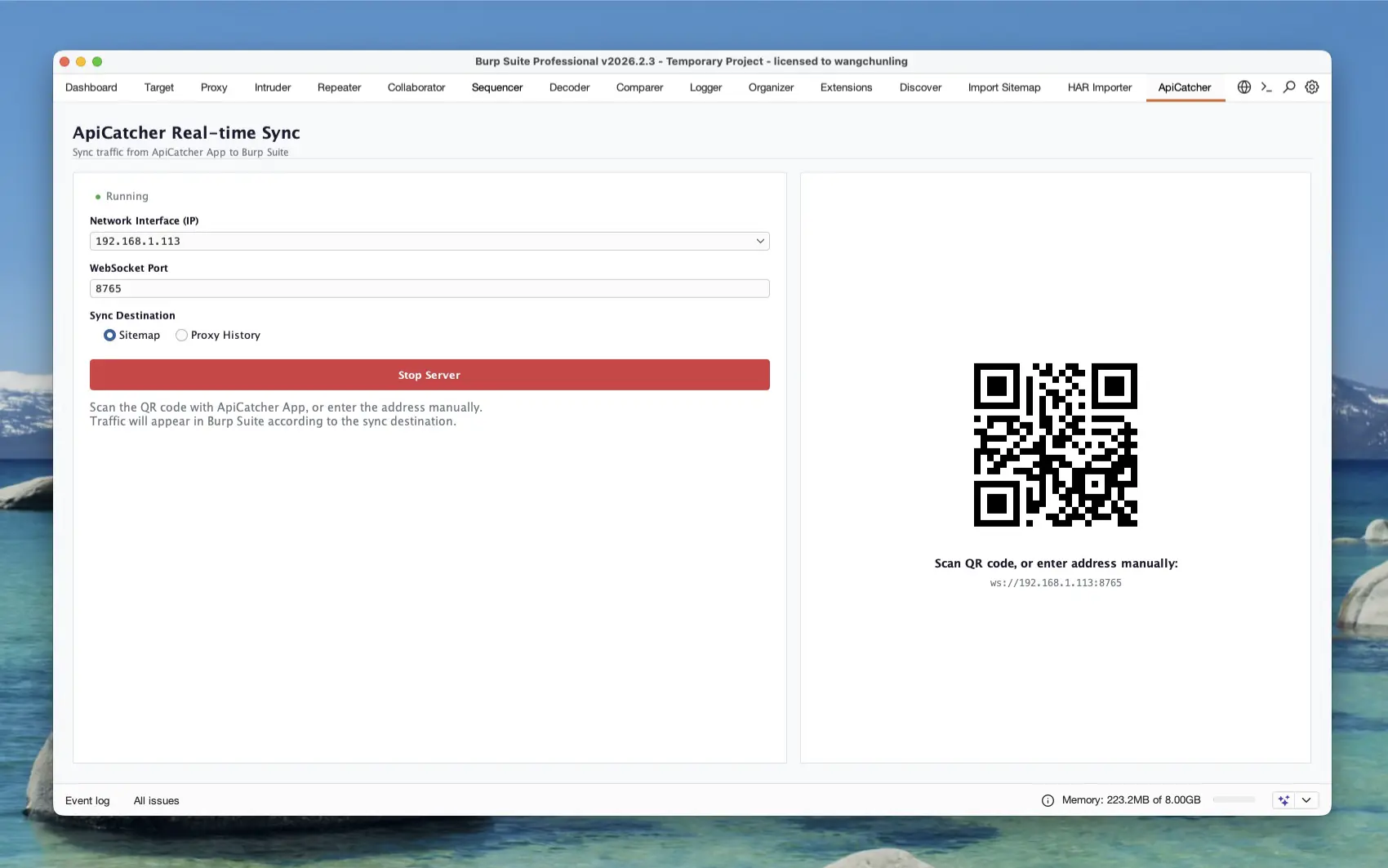
ApiCatcher has open-sourced its remote real-time sync protocol, so a receiver can be built to take in the HTTP/S traffic it captures live. The Burp Suite extension from ApiCatcher is a receiver for that protocol. It syncs the HTTP/S traffic ApiCatcher captures to Burp Suite in real time.
Download the ApiCatcher for Burp Suite extension from GitHub, install it in Burp Suite, switch to the extension panel, and start listening. Then open ApiCatcher on the iPhone and scan the QR code shown on the extension page to turn on real-time sync. Packets captured on the iPhone show up in Burp Suite’s Sitemap, or in Proxy History.
Installation and usage are covered in this guide: https://apicatcher.net/en/burpsuite-extension