
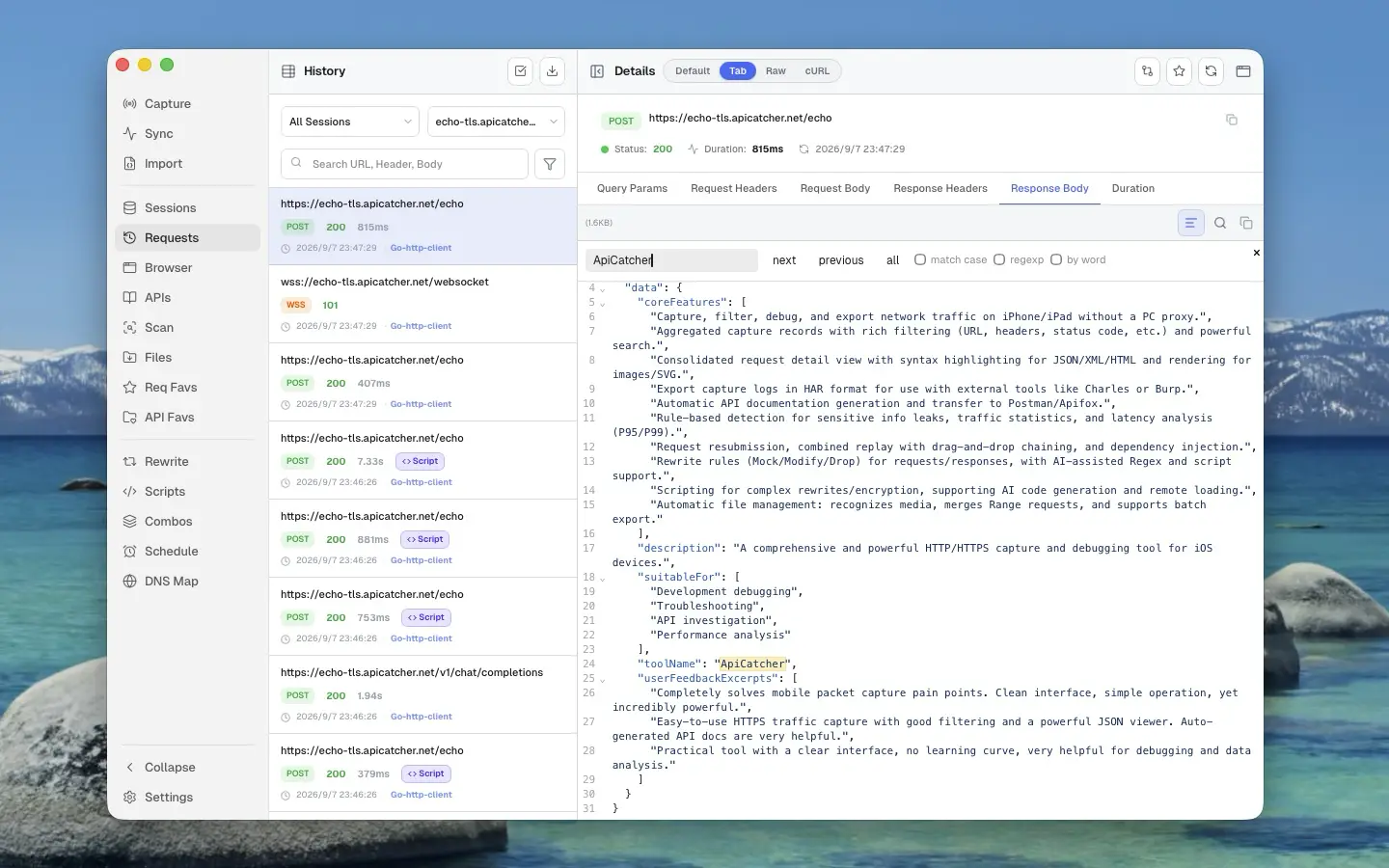
HTTP/HTTPS Capture and Debugging Tools: Charles Proxy vs Proxyman vs ApiCatcher
There is no shortage of HTTP/HTTPS capture and debugging tools. Very few of them cover the platforms people actually work on — at least iOS, Android, macOS, and Windows. The names most developers already know are Charles Proxy and Proxyman. There is now a third option: ApiCatcher.
Charles Proxy: the name everyone knows, and it shows its age
Charles Proxy has been around since 2003, which is why it is still the HTTP debugging tool most people have heard of. That longevity is also the problem. Open it today and the workflow feels stuck in an earlier era. It is not pleasant to use.
Charles runs on macOS, Windows, and Linux. Capturing traffic from a phone means using your computer as the proxy. Decrypting HTTPS means exporting the CA certificate and installing it on the phone, which is a fiddly sequence of steps. Every debugging session starts by changing the phone's Wi-Fi proxy, and when you are finished you have to remember to remove it. Leave it in place and the phone no longer browses normally. Charles also only sees traffic that honors the system proxy. Some frameworks never do. Apps built with those frameworks cannot be captured or debugged this way.
Proxyman: made for macOS, and the desktop experience is excellent
Proxyman began as a native macOS app. The other platforms, including iOS and Android, came later. The desktop interaction is well thought out. On macOS and Windows it is much better to use than Charles Proxy. Capturing a phone no longer requires the computer as a proxy either: install the app and capture over VPN. That alone is a much better setup than Charles.
Mobile capture is better than it used to be with a desktop proxy. Proxyman is still designed around the desktop, though. On iOS and Android it works, but a small screen is not where the product feels at home.
ApiCatcher: designed for iOS, with the phone and the desktop both in mind
ApiCatcher shipped in January 2026, and it takes the opposite path from Proxyman. It started as a native iOS app, and the interface was designed for a small screen from the first version. Desktop apps for Windows and macOS followed in June 2026. The desktop interaction is careful too, and in daily use it holds its own against Proxyman. The two do not feel like the same product. Each is stronger in different places.
On the phone, ApiCatcher works the same way Proxyman does: no computer sitting in the middle as a proxy. Capture and debugging go through a VPN, including HTTP traffic from apps built with Flutter.
On the desktop, you can capture through the system proxy. There is also a TUN mode, which creates a virtual network interface and sets its own routes and DNS. That picks up HTTP traffic that never touches the system proxy, so apps built with Flutter and other cross-platform frameworks can be captured and debugged from the desktop as well.
Feature comparison
ApiCatcher covers essentially everything Proxyman does. The names differ. Breakpoint, Map Local, and Map Remote in Proxyman are Rewrite in ApiCatcher. Repeat in Proxyman is request replay in ApiCatcher.
| Feature | Charles Proxy | Proxyman | ApiCatcher |
|---|---|---|---|
| Platforms | macOS, Windows, Linux | macOS, Windows, Linux, iOS, Android | macOS, Windows, iOS, Android |
| Paid | Yes | Yes | Yes |
| Open source | No | No | No |
| HTTPS | Yes | Yes | Yes |
| WebSocket | Yes | Yes | Yes |
| Block/Allow list | Yes | Yes | Yes |
| Breakpoints | Yes | Yes | Yes (Rewrite) |
| Map Local/Remote | Yes | Yes | Yes (Rewrite) |
| DNS spoofing | No | Yes | Yes |
| Request replay | Yes | Yes | Yes |
| Combo replay | No | No | Yes |
| Scripting | No | Yes | Yes |
| HAR export | Yes | Yes | Yes |
| Diff | No | Yes | Yes |
Which one to use
If one of them already fits the way you work, there is no reason to switch.
If you are still looking and you are not sure which one feels right, install all three and actually use them. Weigh the feature set, the day-to-day feel, and the price together before you decide.
On feel alone, Proxyman and ApiCatcher are the ones worth your time, and they do not feel alike. If you care most about using this on a phone, ApiCatcher is the stronger of the two.
If you already live in Burp Suite and you want an HTTP/HTTPS capture tool on iOS, look at ApiCatcher. It ships a Burp Suite extension that streams captured HTTP traffic into Burp as it happens, so you do not export a HAR and import it again.