
ApiCatcher Now Has an AI Assistant That Helps You Capture, Analyze, and Debug HTTP Requests
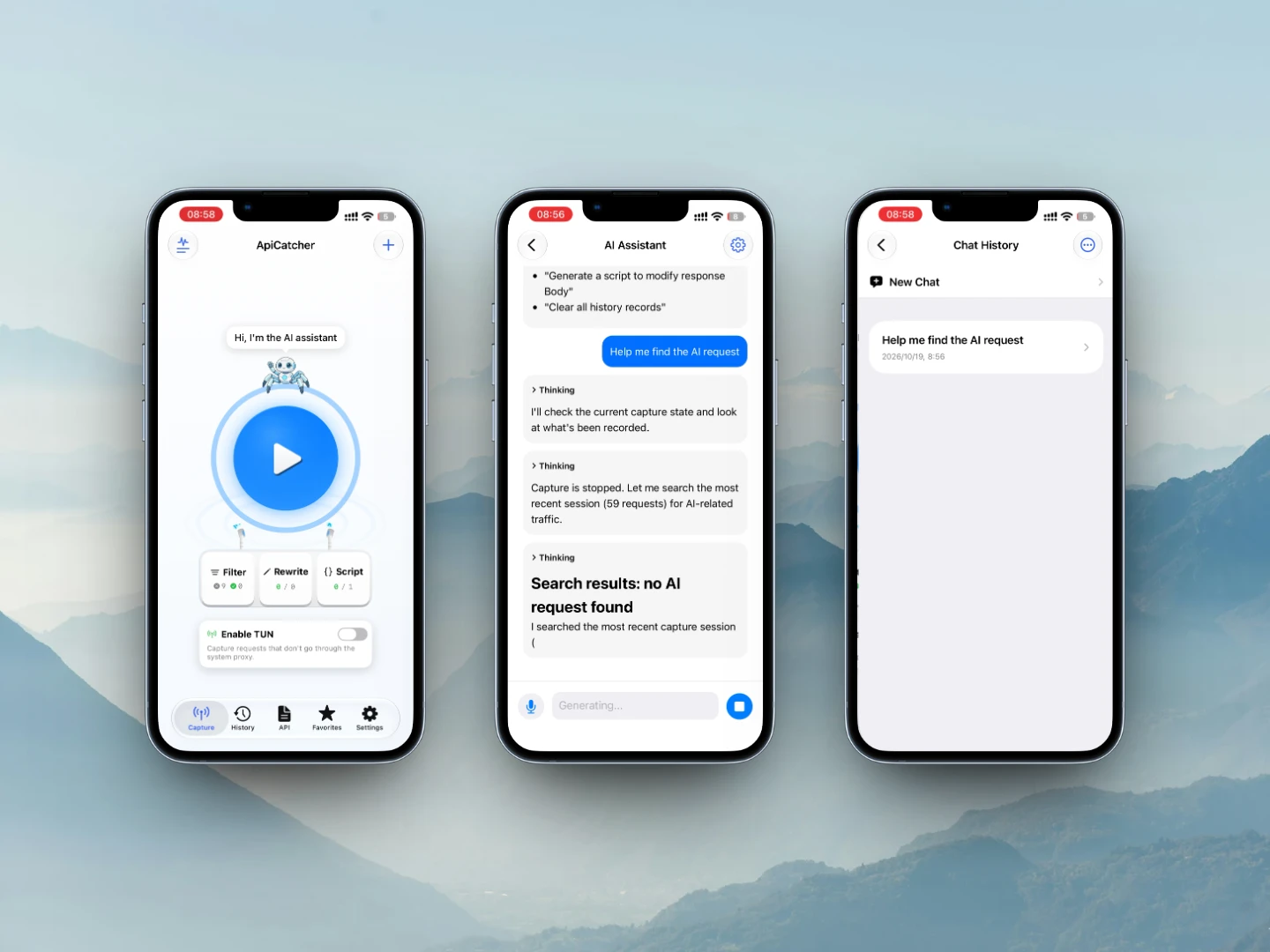
It is in the desktop apps (Windows, macOS) and the mobile apps (iOS, Android). On a phone, the entry is the home screen. Above the button that starts a capture sits our assistant: a spider that greets you. Tap it, talk to it, and let it help with the work. On desktop, the entry is in the left menu.
Why a capture tool should include an AI assistant
When we want to capture an app's APIs and find out which APIs a feature uses, analyzing the requests one by one by hand is very inefficient. If the AI scans the requests, it is much faster. The AI works the same way a person does: the AI guesses what a request is for from the URL, and the AI also checks the request body or the response body to decide whether this is the target request.
When we want to debug an API, we can have the AI generate test cases for different parameter combinations, and have the AI replay the requests directly. The AI automatically turns on packet capture and then replays the requests, so scripts and rewrite rules take effect. After the replay, we can also have the AI report which cases do not match what we expected.
And if a request needs encryption or decoding, or a signature, we can have the AI generate the script, and have the AI test and modify that script until it matches what we expected.
What the AI assistant can do
Capture, analysis, debugging. The assistant can do that whole stretch of work.
ApiCatcher gives it the tools below, as calls it can make. That is where these abilities come from. Put the tools together and it can do more for you than the list shows.
Capture
- Start or stop a capture
- Set filter rules (blacklist / whitelist) and drop noise from unrelated domains
Analysis
- Help you find the request you are looking for
- Open the request details, or the API doc for that request
- Scan for requests that leak sensitive data, and for high-frequency background requests
Debugging
- Replay a request: change the parameters, then replay it
- Generate rewrite rules: redirect, mock a response, edit request or response headers and body, drop packets, add delay
- Generate JS scripts that process the request or response dynamically
- DNS mapping: resolve a domain to an IP you specify
- Troubleshoot by searching system logs and script logs, for cases like "the rule did not take effect" or "this domain was not captured"
There is a solid set of tools here (tool calls), and we are still improving how the assistant feels to use. You can already copy a conversation or export it, open the thinking, and keep the history locally.