How ApiCatcher Captures Large Files Over HTTP
I've tried many iOS HTTPS debugging proxies, and none of them support capturing static asset files — or rather, they simply drop requests when the request or response body exceeds a certain threshold. There have been times when I needed to troubleshoot a file upload permission issue and wanted to capture the full request URL to identify which domain and project were involved, but I couldn't even do that.
While building ApiCatcher, we discovered that iOS imposes a memory limit on network extension processes. Based on various sources, the system caps network extension processes at around 50MB of memory; exceeding this causes the process to be killed by the system. That said, the actual threshold may vary by OS version — in our testing, the process continued working normally even at around 80MB.
Because of this memory constraint, most debugging proxies enforce their own packet-dropping strategy, discarding requests once the body size exceeds a certain limit.
So how does ApiCatcher solve this?
The key insight is that static asset files rarely need body rewriting or script-based modification. There's simply no reason to buffer their request or response bodies in memory. Instead, ApiCatcher writes them directly to disk — whenever a static resource request or response is detected, the body is streamed straight to a file. Bytes are read from the receive buffer and written to disk immediately, with no in-memory buffering.
An important detail: large HTTP payloads are fragmented at the TCP layer. A 1MB file transfer may arrive in 64KB TCP segments. By streaming each segment to disk as it arrives, only 64KB of memory is consumed at any given moment — not the full 1MB. Once the request or response is complete, the file path is stored in the database as the body field instead of the raw content.
The trade-off is that when users delete request records, we need to locate and delete the corresponding body files, which requires handling data consistency ourselves. This is why deletion in ApiCatcher is slightly slower — records are deleted one by one rather than in bulk. But we believe this trade-off is well worth it: deletion isn't a frequent operation, and even 10,000 records can be cleared in about 5 seconds.
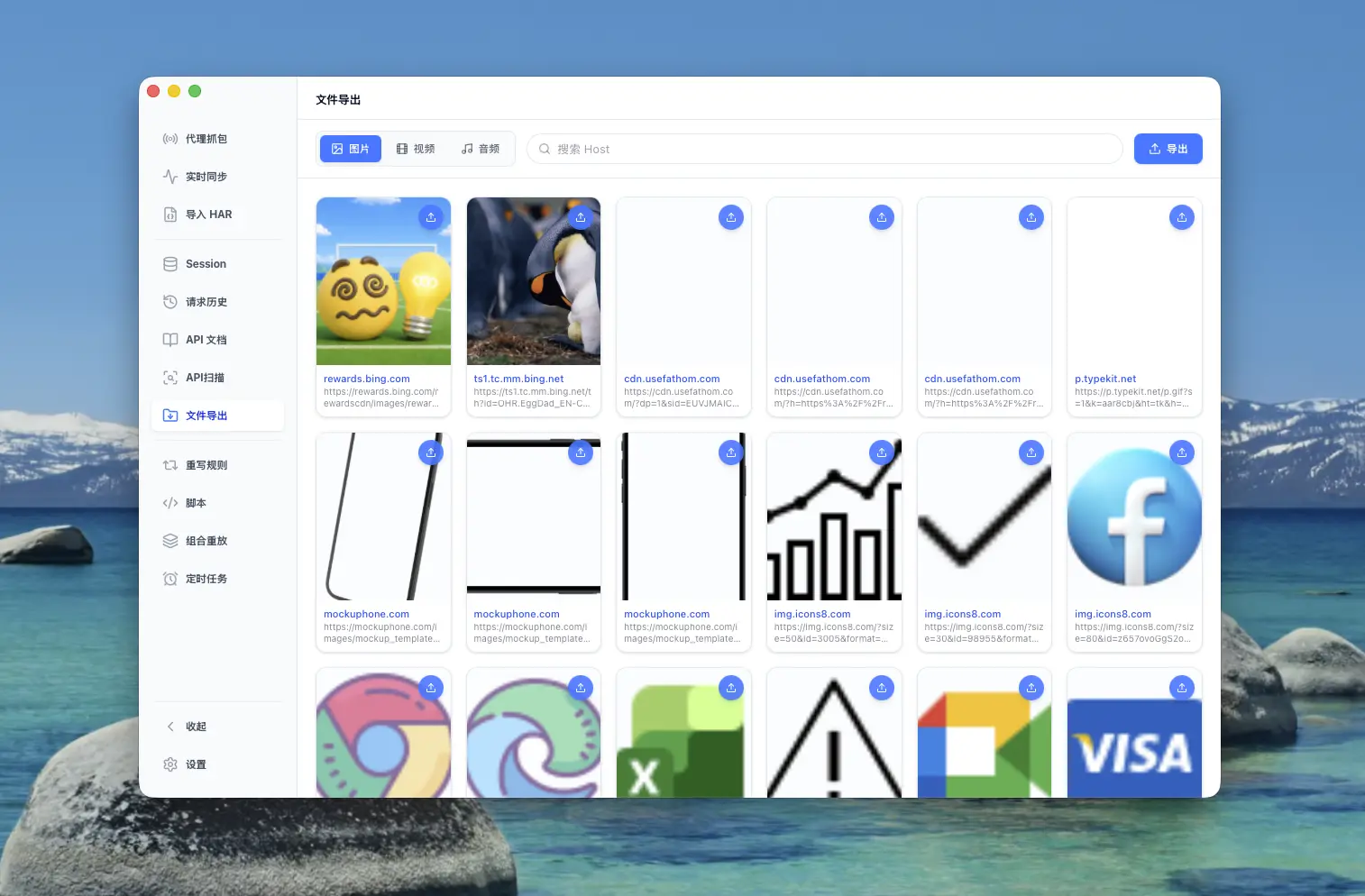
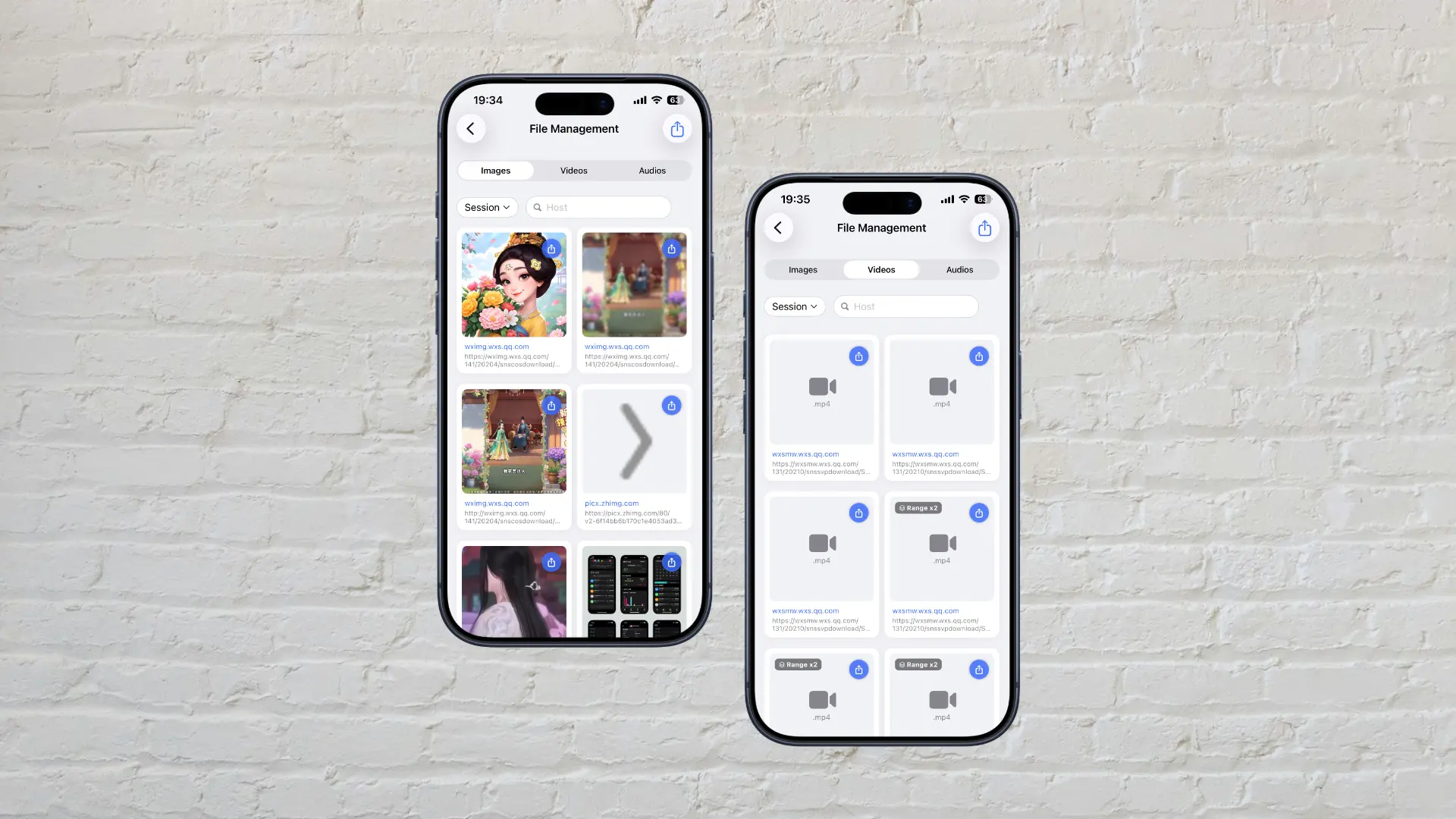
With large file capture in place, ApiCatcher goes further by rendering images, videos, and audio directly in-app, with one-tap playback. We've also built dedicated preview and batch export pages to make extracting test assets effortless.
We apply the same streaming-to-disk approach across iOS, Windows, and macOS — even though desktop platforms don't have the same memory constraints, this design delivers better performance across the board.
ApiCatcher for iOS screenshot:
ApiCatcher for macOS screenshot: